

Your bleeder report catches targets with 10+ clicks and no sales in the last 60 days — because 60 days is the most historical data Amazon's reports give you.
Which leaves a gap. A target that takes nine clicks every 60 days never trips that threshold, and because it never converts it never appears in the profitability report either.
So it just keeps spending, quietly, forever.
Prefer to watch? One hundred and forty-one seconds on the gap between the 60-day and profitability reports, the four filters that close it, and why the first pass is where the money is.
The gap, precisely
The 60-day bleeder report catches high-click, zero-sale targets inside a rolling window.
The profitability report catches targets that convert badly — but it only sees targets that have converted at least once.
A target with nine clicks per 60 days and no sales appears in neither. It is under the threshold of one and invisible to the other.
Run this for the first time on an account nobody has cleaned and you routinely find targets with 120, 150, even 180 lifetime clicks and zero orders. Hundreds of dollars each, accumulated a click at a time.
The fix: filter on lifetime, not 60 days
The campaign manager's targeting tab will filter on Lifetime — and it reports lifetime performance for each target, not just the 60-day slice.
Go to the Targeting tab in the campaign manager.
Set the date range to Lifetime.
Then apply four filters:
| Filter | Value |
|---|---|
| Target status | Enabled |
| Campaign status | Enabled |
| Clicks | greater than 10 |
| Orders | 0 |
Export the result.
The two status filters matter. Without them you spend your review on targets and campaigns that are already paused, which is wasted effort and inflates the list.
Then decide, then pause
Review the export and mark what to pause.
In practice you will pause almost all of it. A target with 40 lifetime clicks and no order has already had its chance. But the review is worth doing, because occasionally one is a keyword you deliberately want to keep bidding on for ranking reasons.
Then pause the marked targets in the campaign manager.
The outcome is straightforward: wasted spend removed, ACOS and TACOS down, with no effect on anything that was working.
Monthly, not weekly
This is a monthly process, unlike the 60-day bleeders.
Because the whole point is that these targets accumulate slowly. Once you have cleaned an account, new lifetime bleeders appear at the same slow rate that created them — a weekly run would find nothing most weeks.
Expect a large first pass and small ones after that. The first run on an uncleaned account is where nearly all of the money is.
Where it sits in the routine
This is a third bleeder pass, not a replacement for the other two:
60-day bleeders — high clicks, no sales, recent. Weekly or fortnightly.
Profitability bleeders — converting, but above your target. Weekly or fortnightly.
Lifetime bleeders — low volume, no sales, accumulated over months. Monthly.
Each catches something the others structurally cannot — see The Bleeder Reports and The Nine-Report PPC Routine.
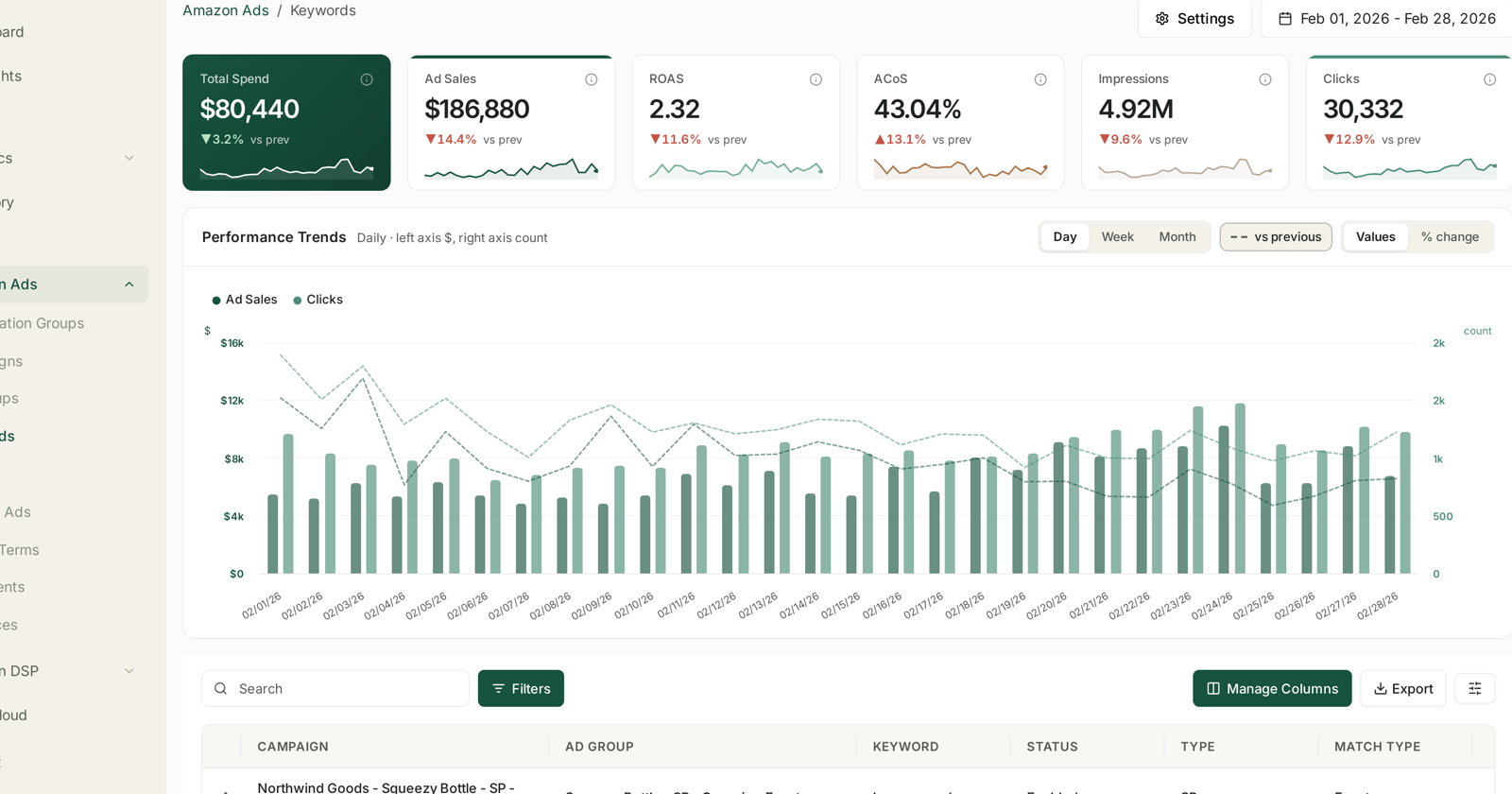
Surfacing zero-order targets by lifetime spend across every campaign at once is what turns this from an export-and-filter exercise into a decision — see Rule-Based Optimization: Automating Bids and Budgets. The manual version means downloading the targeting export, filtering it, and re-reading it every month.
Common mistakes
Assuming the 60-day report covers it. By construction it cannot.
Forgetting the status filters, and reviewing targets that are already paused.
Running it weekly, and concluding it is not worth doing because it finds nothing.
Skipping the review and pausing everything blindly, including terms you hold for ranking.
Doing it once. The first pass finds the accumulated waste; the monthly rhythm stops it rebuilding.
Related
- The Bleeder Reports — the two passes this one completes.
- The Nine-Report PPC Routine — the cadence it fits into.
- Optimisation as a Calculated Bet — why this one is a rare low-risk change.