

An empty screen almost never means something is broken. It means one of five things, and they take about a minute to work through in order.
Do them in this order — each is cheaper than the one after it.
Prefer to watch? Sixty-six seconds on the five checks, cheapest first.
1. Check the brand in the top bar
Every screen in TrackIQ is scoped to one brand. If you manage more than one, you can be looking at a perfectly healthy account for a brand that has no data in this range.
This is the most common cause and the fastest to rule out. Switch brand and look again.
2. Check the date range
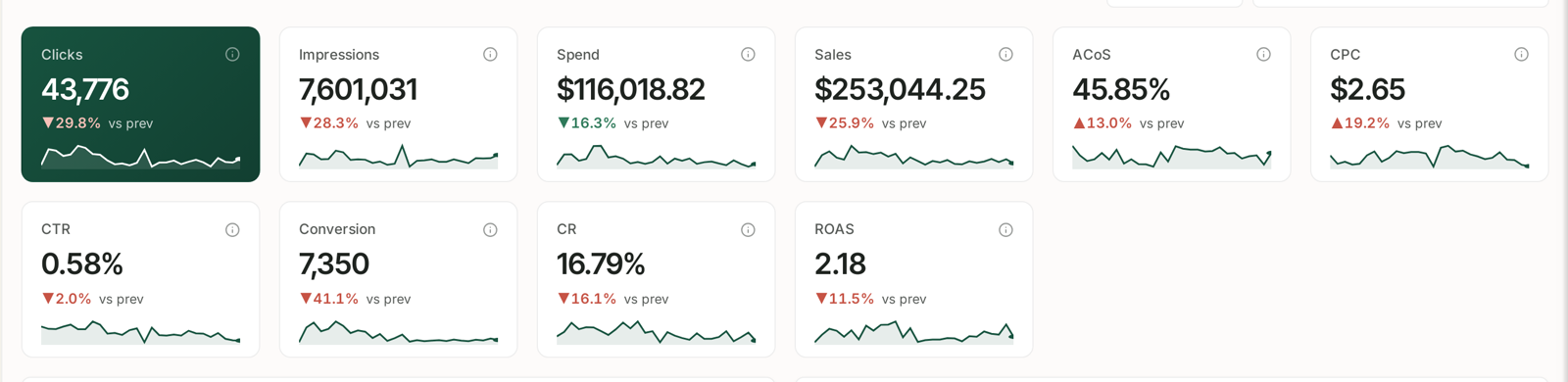
Two failure modes here:
- The range predates your connection. TrackIQ has nothing from before Amazon started delivering it. On a new account, a range covering last quarter will be empty and always will be.
- The range is too recent. The last day or two is still filling in, so a range of today alone can legitimately be blank.
Widen to the last 30 days. If data appears, the range was the problem.
3. Check the source has actually synced
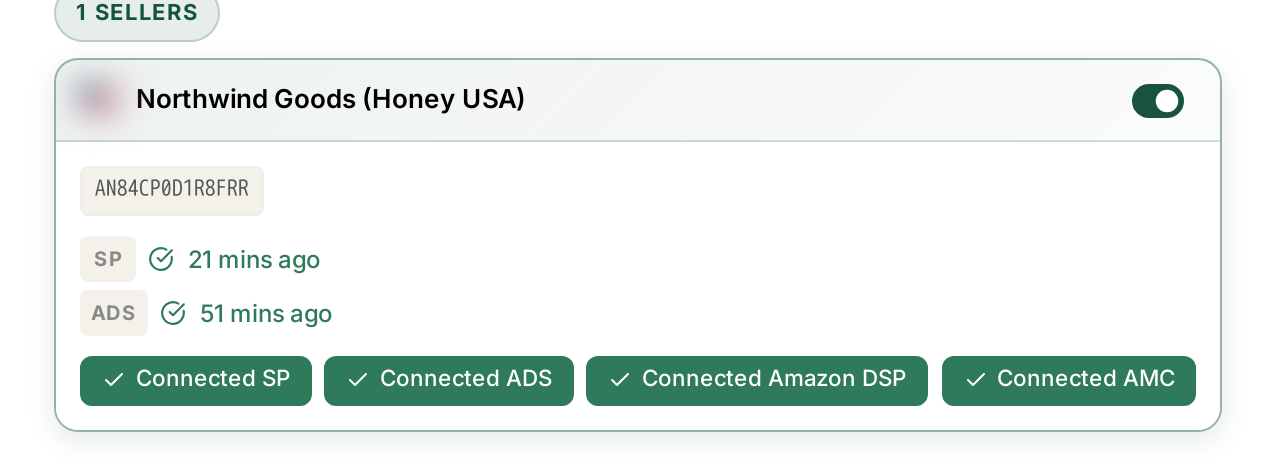
Settings → Connections. Each source shows a last-synced time.
| What you see | What to do |
|---|---|
| No timestamp at all | it has never synced — if you just connected, wait |
| A timestamp that stopped days ago | reauthorise — see Fixing a Broken or Expired Amazon Connection |
| Current | the connection is fine; keep going down this list |
Remember that each source is separate. Advertising screens can be full while DSP screens are empty, because those are two different connections.
4. Check whether that data has arrived yet
This is the one that catches people on their first day, and nothing is wrong when it does.
| Data | Cadence |
|---|---|
| Sales, orders, traffic, inventory | daily |
| Advertising | daily, but lands later than sales |
| Search Query Performance | weekly |
| AMC Cloud | monthly |
A blank AMC dashboard on a brand-new account is expected, and will stay blank until Amazon's next monthly delivery. The same is true of SQP until the next weekly publication.
The first sync is not instant either. Amazon delivers historical data over a period rather than in one go, so a screen that is thin on day one is often full by day three.
5. Check your filters
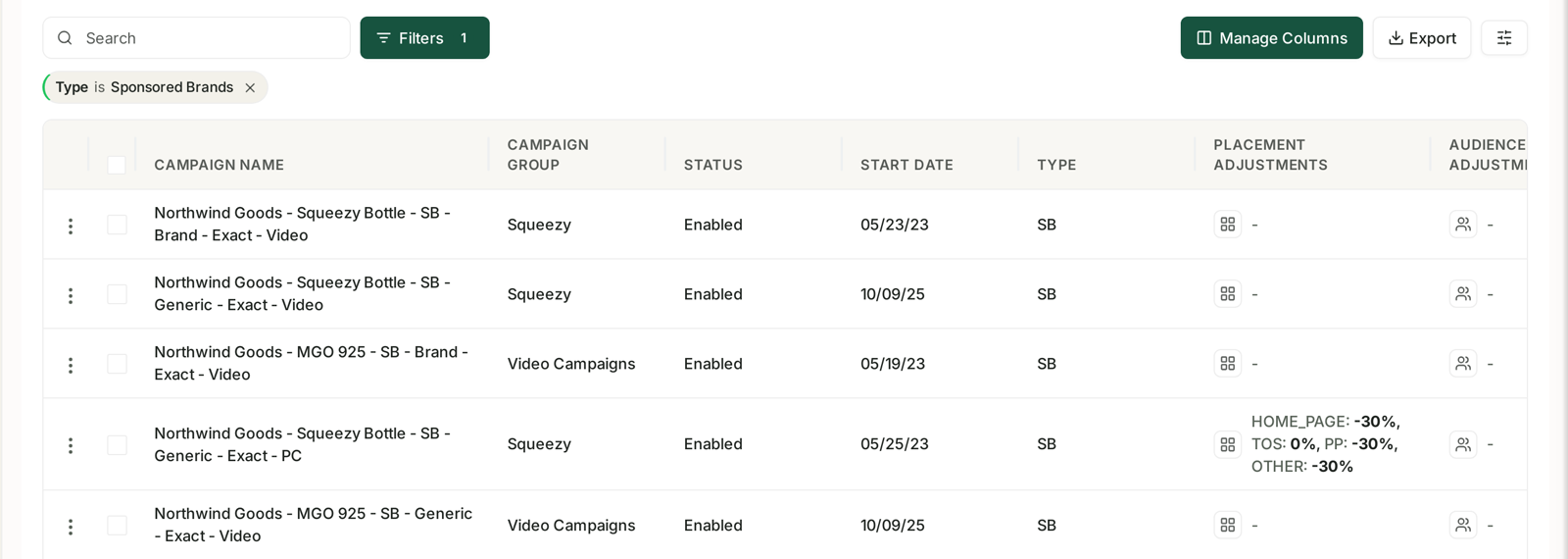
Filters persist. A filter you set on Monday is still applied on Thursday, and a combination that excluded almost nothing then can exclude everything now.
Active filters show as chips above the table. If there are chips, clear them and look again. Also check Manage Columns — a column you need can be switched off, which reads as missing data rather than a hidden column.
Still empty?
If all five check out, it is worth reporting. Three details make it diagnosable immediately, and without them the first reply will only be a request for them:
- The brand you were looking at
- The marketplace
- The exact date range
A screenshot showing the date control and any filter chips answers most of that in one image.
The one exception
If a whole section of the sidebar is missing rather than a screen being empty, that is not a data problem at all — sections you do not have access to are hidden entirely rather than greyed out.
See I Cannot See a Menu Item Other People Can.
Related
- Turning Brand Sync On and Off — the brand filter that hides it.
- Where Your Data Comes From and How Fresh It Is — how long a first sync takes.