

Amazon cuts your referral fee on large business orders — but only if you are offering business buyers at least a 3% discount.
On a genuinely large order the saving dwarfs the discount you gave to unlock it, which is what makes this worth setting up even on products you rarely sell in bulk.
Prefer to watch? One hundred and sixty-three seconds on the three eligibility conditions, how banded referral fees actually compute, and verifying the discount applied.
The two programmes
Bulk Order Fee Discount — reduces the referral fee on business orders over $1,000 per ASIN.
Business FBA Multi-Unit Fulfillment Fee Discount — reduces per-unit FBA fees on multi-unit business orders.
Both are unlocked by the same thing: a 3%+ discount to Amazon Business buyers.
Do you qualify?
Three conditions, all required:
You sell through Amazon Business.
The order value for one ASIN — price × quantity — exceeds $1,000.
You offer at least 3% off that ASIN, via Business Price, Quantity Discount, or the two combined.
Worked examples
Qualifies. Standard price $250, business price $240 (4% off), 5 units = $1,200.
Qualifies. Standard price $120, quantity discount 3% at 10+ units → $116.40, 12 units = $1,396.80.
Does not qualify. Standard price $80, business price $77.50 (3% off), 10 units = $775 — the discount is fine, the order value is not.
The threshold is per ASIN per order, so a $1,500 basket made of three different products at $500 each does not qualify on any of them.
How the fee actually falls
It is banded, not a flat cut. Standard rate applies to the first $1,000; reduced rates apply to each portion above it.
Office Products, as an illustration:
| Portion of order | Rate |
|---|---|
| Up to $1,000 | 15% |
| $1,000–$5,000 | 12% |
| $5,000–$10,000 | 10% |
| $10,000–$50,000 | 7% |
| $50,000–$100,000 | 6% |
| Above $100,000 | 5% |
Rates vary by category — check yours.
What that is worth on a real order
$250 × 500 units = $125,000, at a 15% standard referral fee.
Without the discount: $18,750 in referral fees.
With it:
| Portion | Rate | Fee |
|---|---|---|
| First $1,000 | 15% | $150 |
| $1,000–$5,000 | 12% | $480 |
| $5,000–$10,000 | 10% | $500 |
| $10,000–$50,000 | 7% | $2,800 |
| $50,000–$100,000 | 6% | $3,000 |
| Above $100,000 | 5% | $1,250 |
| Total | $8,180 |
Saved: $10,570.
Against a 3–4% discount on the order — roughly $4,000 — you are ahead by around $6,500 net. The larger the order, the more lopsided that trade becomes.
Setting it up
- Seller Central → Manage All Inventory.
- Find the Business Price column for your ASIN.
- Set a Business Price at least 3% below your standard price — $100 standard becomes $97 or lower.
- Wait for the green checkmark. That is what confirms the business price is live and visible to business buyers. No checkmark means it is not active, and the discount will not apply.
- Then add quantity discounts — Set quantity discounts under the same ASIN. Tiers like 3% off at 10+, 5% off at 25+.
- Save.
Do both, not one. Business Price qualifies the order; quantity tiers are what encourage the order to get large enough to qualify in the first place — see Business Pricing and Quantity Discounts.
Verifying it applied
Reports → Payments → Transaction View → click the total amount.
Look for a line labelled "Discount on referral fee", and click the value for the breakdown.
Check this on the first qualifying order rather than assuming. A missing green checkmark means no discount, and it is invisible until you look.
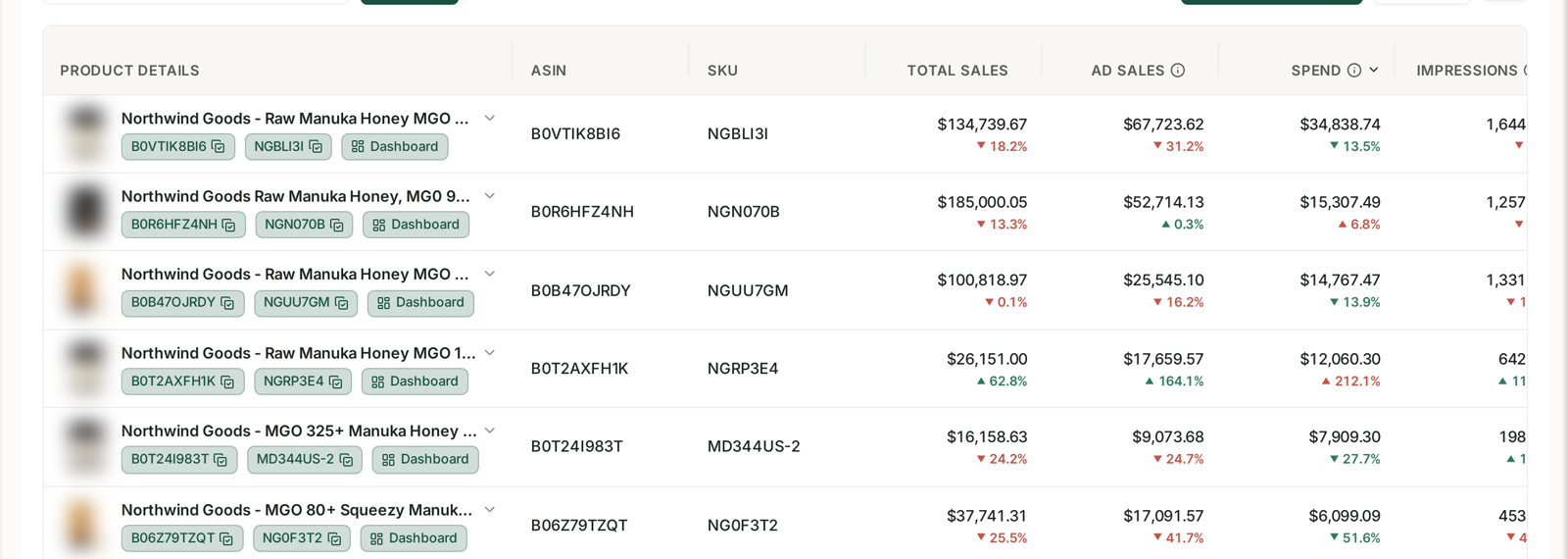
Comparing referral fees on bulk B2B orders month over month is how you tell whether this is actually running — see Understanding Business Reports.
Which products to do this on
Target ASINs that plausibly attract orders above $1,000 — high unit price, or products bought in real quantity.
But there is little reason to restrict it. A 3% business price costs you nothing on the retail orders that make up most of your volume, and it sits there waiting for the bulk order that pays for itself many times over.
And it stacks with the other B2B levers — see B2B Fee Discounts and Certifications and The Bulk Services Referral Fee Discount.
Common mistakes
Setting a Business Price of exactly 3% and being caught by rounding. Go slightly below.
Not waiting for the green checkmark, and assuming it saved.
Setting Business Price without quantity tiers, so orders never reach $1,000.
Expecting a basket to qualify. The threshold is per ASIN per order.
Never checking Transaction View, and not knowing whether it is working.
Only enabling it on obvious B2B products, and missing the occasional large order elsewhere.
Related
- Business Pricing and Quantity Discounts — the pricing structure this depends on.
- B2B Fee Discounts and Certifications — the other B2B fee levers.
- The Bulk Services Referral Fee Discount — the multipack version of the same idea.