

Sponsored Display does not target keywords. It targets people — shoppers who viewed something, bought something, or fit a lifestyle Amazon has inferred. The Audiences screen reports how each of those segments performed.
Prefer to watch? A hundred and five seconds on the four segment families, and the target that cuts the one that was working.
Where it is
Amazon Ads → Audiences.
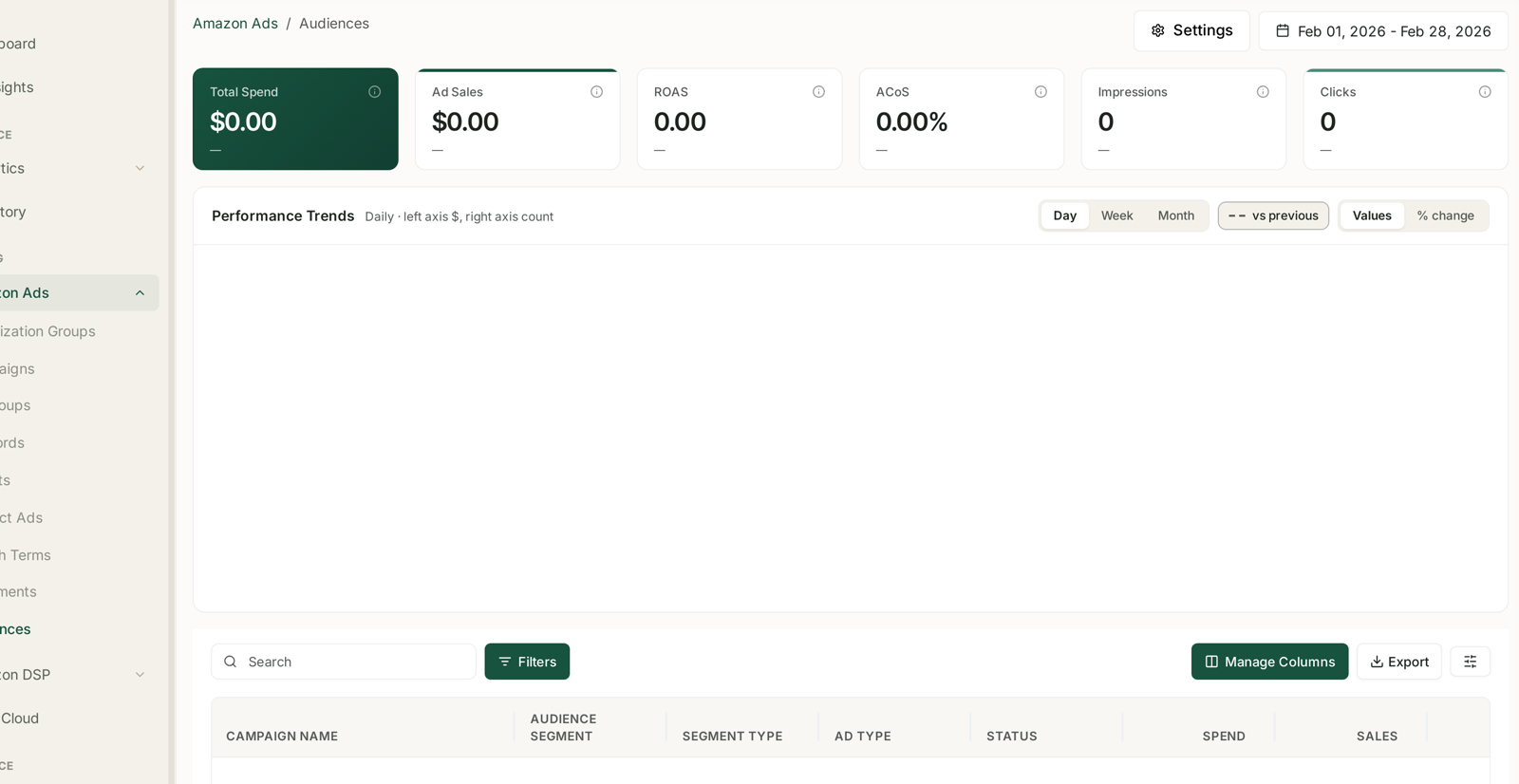
Same anatomy as the rest of Amazon Ads: six KPI tiles, Performance Trends with Day / Week / Month, vs previous, Values / % change, then a table with Search, Filters, Manage Columns and Export.
If it is empty, that is expected on an account not running audience-targeted campaigns. The tiles read $0.00 and the table reports There is no data for the selected period. Audiences populates from Sponsored Display and audience-targeted Sponsored Brands — without those, there is nothing to report.
This screen is not Amazon DSP. DSP audiences are separate and live under Amazon DSP → Audience.
The table
One row per campaign per audience segment:
| Column | |
|---|---|
| Campaign name | |
| Audience segment | the segment targeted |
| Segment type | which family it belongs to |
| Ad type | SD, SB |
| Status | |
| Spend, Sales, ACoS | |
| CPC, CTR, Clicks, Impressions | |
| Orders, CR, RPC, ROAS |
Segment type is the column that makes the screen readable. Without it you are looking at a list of names; with it you can group performance by targeting strategy, which is the level decisions are actually made at.
The families, and what they are for
Remarketing / views — shoppers who viewed your product, or a similar one, and did not buy. The warmest audience available, the smallest, and usually the best ACoS. Where to start.
Purchases — shoppers who bought. Used for replenishment on consumables, and for cross-sell onto a complementary product. Wasted on a once-in-a-decade purchase.
In-market — Amazon's inference that someone is shopping this category now. Broad, cold, and useful for reach rather than efficiency.
Lifestyle — long-run behavioural groupings. The coldest and broadest of the four; upper-funnel spend, and it should not be judged on last-click ACoS.
Judge each family against its own job. Remarketing should convert. Lifestyle should reach people who have never heard of you. Holding both to a 25% ACoS target guarantees you cut the one that was working.
How to read it
1. Group by segment type. Read families first, individual segments second.
2. Compare within a family, not across. Remarketing beating Lifestyle on ACoS is not a finding; it is arithmetic.
3. Look at CTR for relevance. A segment with impressions and no clicks is the wrong audience, whatever the ACoS eventually says.
4. Check the new-to-brand split for the cold families. Reach spend is supposed to bring new customers. If it is not, it is not doing its job, and ACoS is the wrong measure to have judged it by. See NTB Customers: New vs Repeat, Counted as People.
5. Cut on evidence, not on rank. The worst segment in a list is not automatically bad — it is just last.
Cautions
Cold audiences look terrible on last-click. Views-remarketing will always beat lifestyle on ACoS, and cutting lifestyle on that basis removes the thing that fed remarketing its audience in the first place. See Decide Whether Your Upper-Funnel DSP Is Worth Keeping.
Segments overlap. One shopper can sit in several. Adding segment sales together double-counts.
Small segments are noise. A segment with a handful of clicks has no reliable rate.
Attribution lag applies, and Sponsored Display uses the longer fourteen-day window — so recent days under-report more here than on Sponsored Products. See Time to Conversion: Checking Your Attribution Window.
Related
- NTB Customers: New vs Repeat, Counted as People — the right measure for cold audiences.
- Shift Budget from Harvesting to Acquisition — acting on the split.
- Why SP, SB and SD Numbers Don't Simply Add Up — before totalling anything.
- Create a Sponsored Display Campaign — creating the campaign these segments belong to.