

The rule chooser lists eight rule types. Two are live — Targeting and Campaign. The other six carry a COMING SOON badge and a dot in the sidebar, and clicking one shows what it will do rather than letting you build it.
They are listed here because knowing what is coming changes how you structure things now, and because a visible-but-unavailable option is worth explaining rather than leaving as a puzzle.
Prefer to watch? Seventy-eight seconds on the two live types, the six on the roadmap, and what to do meanwhile.
What is live today
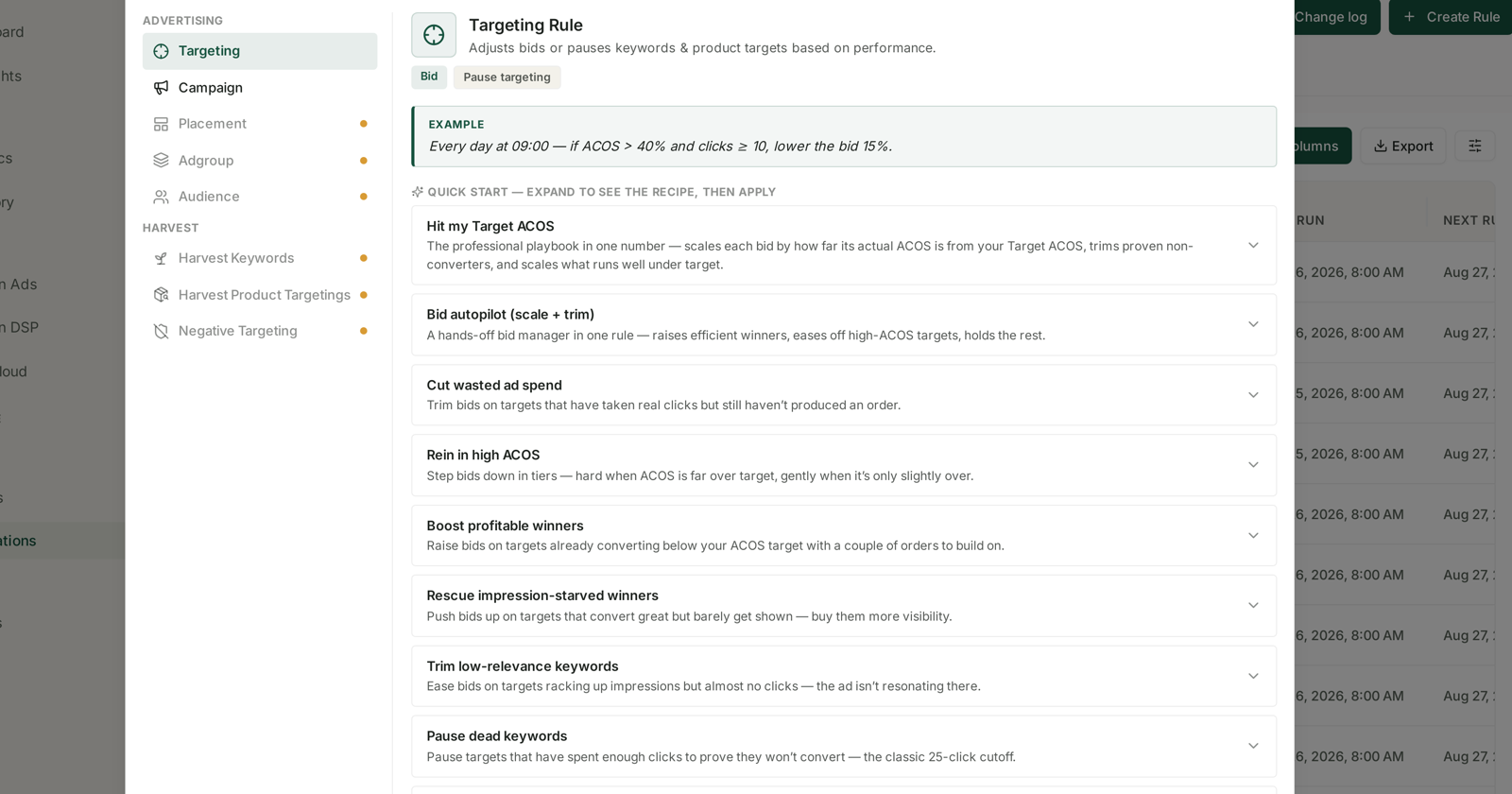
| Type | Acts on | Actions |
|---|---|---|
| Targeting Rule | keywords & product targets | Bid · Pause targeting |
| Campaign Rule | whole campaigns | Budget · Pause campaign |
Between them they cover the two levers that matter most: what you pay per click, and how much a campaign may spend in a day. See Targeting Rules and Campaign Rules.
What is on the roadmap
Selecting any of the six shows its description and the note "This rule type is on the roadmap — it will appear here as soon as it ships."
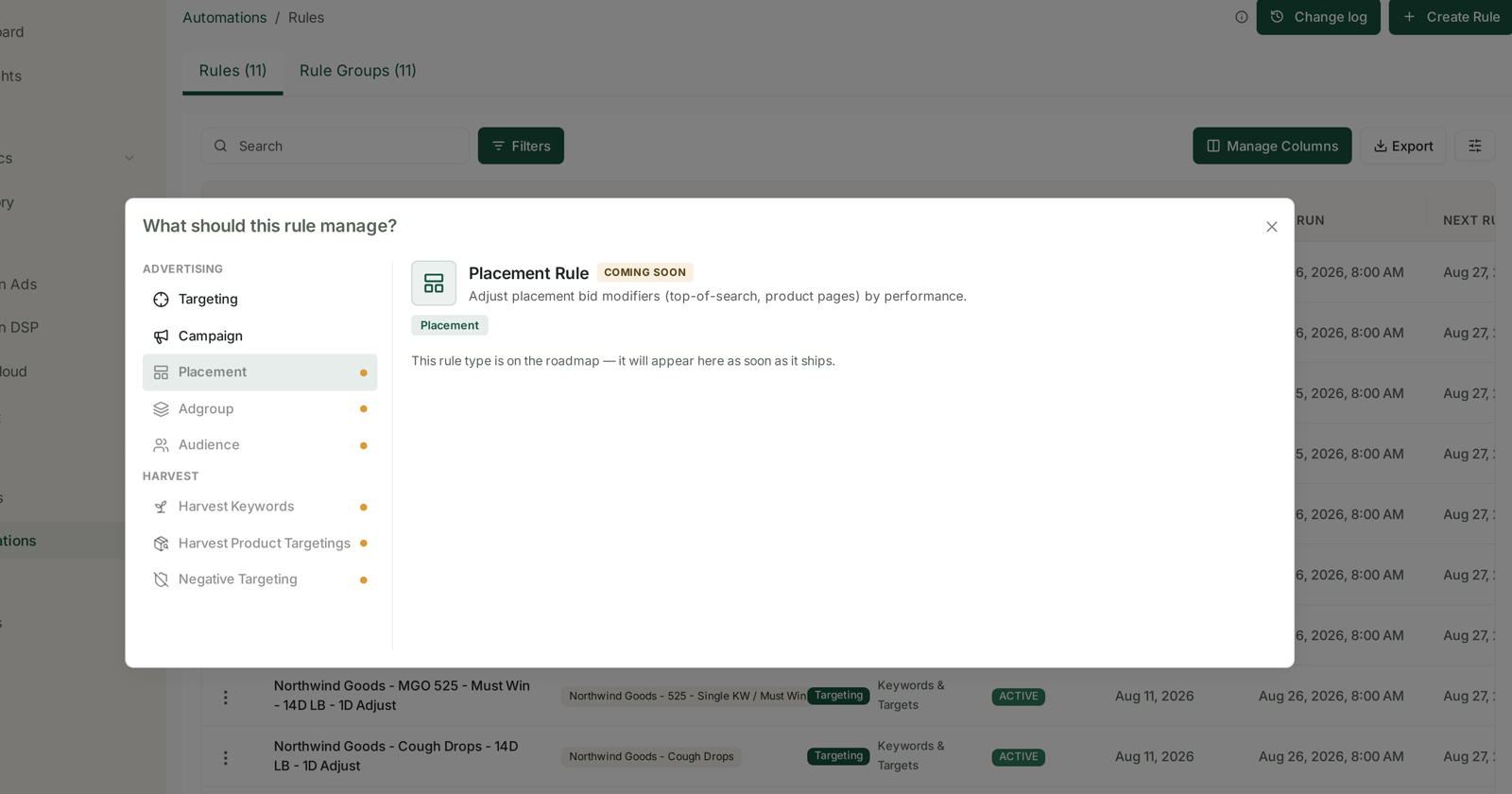
Under Advertising:
| Type | What it will do | Planned actions |
|---|---|---|
| Placement Rule | Adjust placement bid modifiers (top-of-search, product pages) by performance. | Placement |
| Adgroup Rule | Adjust default bids or pause entire ad groups. | Default bid · Pause adgroups |
| Audience Rule | Manage audience bid adjustments on campaigns. | Audience |
Under Harvest:
| Type | What it will do | Planned actions |
|---|---|---|
| Harvest Keywords Rule | Promote converting search terms into exact keywords automatically. | Add keywords |
| Harvest Product Targetings Rule | Promote converting ASINs into product targets automatically. | Add PATs |
| Negative Targeting Rule | Add negative keywords/targets for search terms that waste spend. | Add negative |
No dates are given, here or in the product. The badge is the only commitment.
Why the Harvest group is the significant one
The three Advertising types extend automation to levers you already manage by hand. The Harvest group does something categorically different: today every rule adjusts things that already exist. A harvest rule would create them.
That is the loop most accounts run manually every week:
- Read the search-terms report.
- Find terms that converted but are not bid on as keywords.
- Add them as exact-match keywords in a dedicated campaign.
- Find terms that spent and never converted.
- Add them as negatives.
Steps 2–3 are Harvest Keywords. Steps 4–5 are Negative Targeting. The ASIN equivalent is Harvest Product Targetings. Together they would close the loop between discovery and structure — the part of Amazon advertising that is still mostly hand work.
What to do in the meantime
Do the harvest manually, on a schedule. The data is all there. Search Terms with the Aggregated toggle finds converting terms you are not bidding on; SQP Recommended Actions flags the same thing with a money figure attached. Weekly is enough for most accounts. See Find converting search queries you aren't bidding on.
Use campaign structure instead of placement rules. Placement modifiers are set in the Amazon console. Until a rule can manage them, the practical substitute is separating campaigns whose placement performance differs, so a Campaign Rule can act on them independently.
Do not build workarounds you will have to unpick. A tangle of narrow campaigns created purely to stand in for ad-group rules is harder to dismantle later than it is to build now.
Structure for the rules you will want. Rule groups are the unit every rule type will use, so groups you build today for Targeting rules will be reusable when the others ship. See Rule Groups.
Watching for changes
The chooser is the authoritative list. When a badge disappears, that type is live — there is no separate announcement inside the product, and the sidebar dot is the same signal.
It is worth a look whenever you next open + Create Rule, rather than something to check on a schedule.
Related
- Targeting Rules: Adjusting Bids and Pausing Targets — live today.
- Campaign Rules: Adjusting Budgets and Pausing Campaigns — live today.
- Rule Groups — the scoping unit every future type will share.
- Search Terms and Aggregated Search Terms — where manual harvesting starts.