

When you connect an AI tool to your TrackIQ data, something is querying your business on your behalf — and it is worth being able to see what it asked.
Call Logs records every MCP request, and it records the question, not just the endpoint. That distinction is what makes it an audit trail rather than a debug log.
Prefer to watch? Seventy-six seconds on why recording the question, not the endpoint, makes it an audit trail.
Where it lives
Settings → MCP & API Keys → Call Logs.
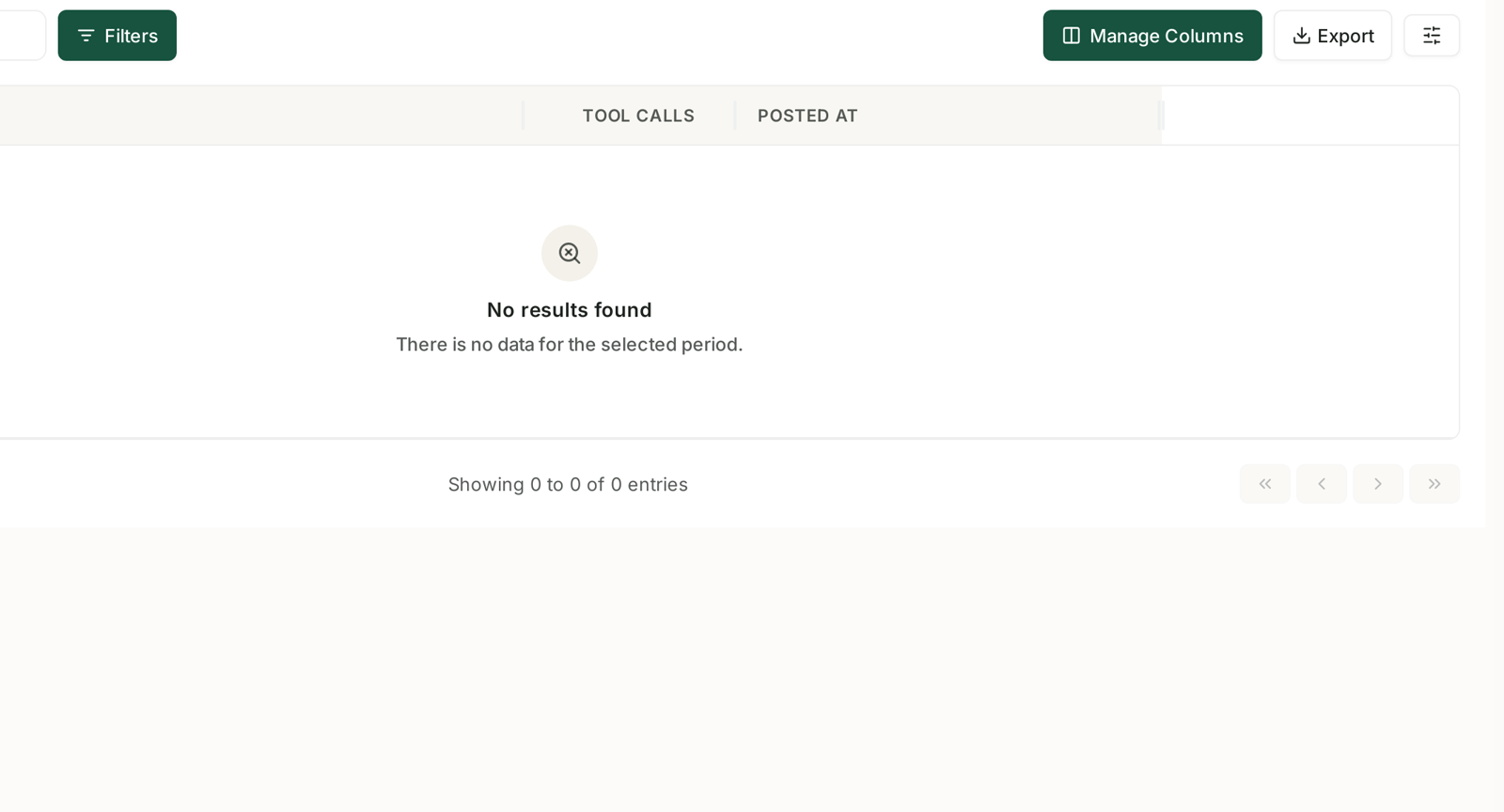
It is a full table with the same controls as every other table in TrackIQ — its own date range, Search, Filters, Manage Columns and Export.
| Column | Records |
|---|---|
| Question | the natural-language question the AI asked |
| Tool Calls | which TrackIQ tools it invoked to answer |
| Posted At | when |
Why the Question column matters
Most API logs record an endpoint and some parameters. That tells you what was fetched and nothing about why.
Here the log captures the question in the words it was asked, which changes what the log is good for:
You can tell intent from access. "Which campaigns spent over $100 with no sales last week?" is a recognisable piece of work. A row that reads nothing like the work your team does is worth asking about.
You can debug an answer. If an AI gave you a figure that looked wrong, the log shows what it actually asked and which tools ran. Most of the time that is enough to see whether the question was imprecise or the data was.
You can see how the tools were chained. The Tool Calls column shows how many TrackIQ tools one question needed. A question that fanned out across six tools is doing real synthesis; one that used a single tool is a lookup.
If it is empty
An empty log with "There is no data for the selected period" means one of three things, in order of likelihood:
Nothing has queried yet. The log populates the first time a connected client actually asks something — connecting alone does not create entries.
The date range is wrong. It has its own range control, independent of the rest of the app.
Nothing is connected. Check the connection itself. See Installing TrackIQ MCP in Claude, ChatGPT and Cursor.
What to look for
Volume that does not match the work. A quiet week with hundreds of calls is worth understanding. Usually it is an agent looping rather than anything sinister, but you want to know either way.
Questions from a brand nobody is working on. Per-brand API keys mean you can tell which integration is pulling what. An unfamiliar brand appearing is a scoping problem.
Repeated identical questions. Somebody is asking the same thing daily by hand. That is a candidate for a report template or an alert instead. See Business Report Templates and the AI Report Generator.
Questions that returned nothing. Often a sign the asker expected data TrackIQ does not hold — worth correcting before somebody builds a decision on an empty answer.
Using it as an audit trail
Two habits worth having if MCP is used across a team:
Review it monthly, briefly. You are looking for pattern changes, not reading every row.
Export it before an access review. The Export button gives you the period as a file, which is the artefact an auditor or a security questionnaire actually wants.
The log answers "who queried what, and when" for AI access specifically — a question most tools cannot answer at all.
What it does not tell you
It does not record the answer. Only the question and the tools used. If you need the answer, you need the AI client's own history.
It does not distinguish people from agents beyond which key was used. A key shared across a team logs as one source.
It is read access only. Nothing in the log can have changed a bid, a budget or a rule — MCP cannot write. If something changed, the Change Log and a rule's Run History are where to look.
It is not a permission system. The log tells you what happened; it does not restrict what can happen. That is what per-brand keys are for.
Related
- The MCP Web Console — the screen this sits on.
- Installing TrackIQ MCP in Claude, ChatGPT and Cursor — connecting a client.
- Feed TrackIQ Data into Your Own AI Workflow — what generates these entries.
- The Change Log: Auditing What a Rule Changed — the audit trail for writes.