

The goal of this stage is volume: fifty product ideas minimum, and more is better. Six methods, each finding the same signal from a different direction.
You are always looking for one thing — a product selling well on a low review count — because that single product is a flare telling you the market behind it may be open.
Prefer to watch? One hundred and twenty-eight seconds on the four steps you run on every candidate, the six places they come from, and the review-count trap that catches people out.
What you do with every candidate
The same four steps, whichever method surfaced it. Once you have the habit, each takes two or three minutes.
1. Find the product's main keyword, usually from its title.
2. Search that keyword on Amazon and export the results.
3. Assess the page in one or two minutes. Is this market crowded or open?
4. If it looks reasonable, add it to your sheet. You are not deciding, you are collecting.
The one-minute disqualifier: if the search returns more than four listings with over 5,000 reviews, skip it and move on. Do not spend ten minutes hoping.
One data caution. Reviews are not always merged across variations. A listing that appears to have 80 reviews may be a variation of a parent with 8,000. Check the parent before getting excited.
Method 1 — Filtered product database search
The highest-volume method: query a product database by criteria and let it return candidates.
| Filter | Setting |
|---|---|
| Category / subcategory | only ones that fit your brand |
| Review count | min 50, max 200 |
| Fulfilment | FBA |
| Parent-level revenue | min $25,000/month |
Adjust to your situation — a larger brand with more capital can tolerate higher review counts; a smaller or less competitive category should start lower.
Add a keyword filter that matches your brand. If you sell liquid vitamins, filter titles for drops. If you sell paper goods, filter for paper. This turns a generic list into a relevant one.
Work in narrow bands rather than one wide search. A broad query returns 500+ results, and you will skim, repeat yourself and miss things. Instead, tighten until fewer than 500 results come back, review all of them, then step the band up.
For example: 40–50 reviews at $25–30k, then 50–60 reviews at $25–30k, then 60–70. Each pass is small enough to actually read.
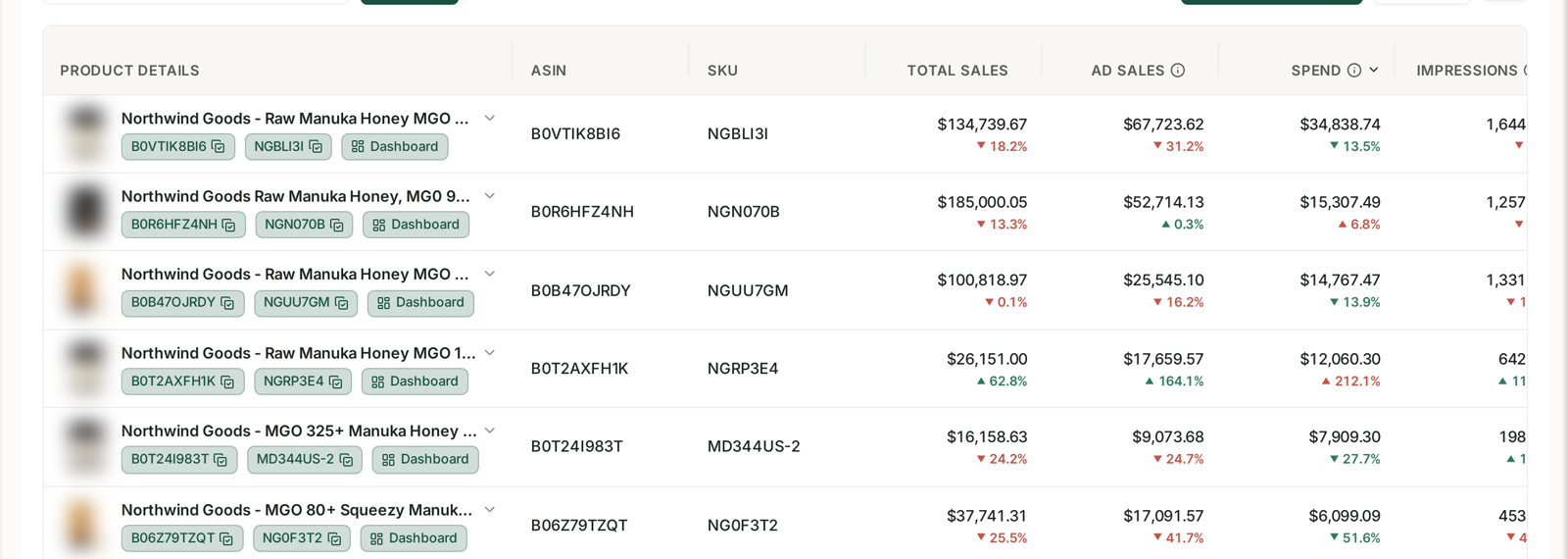
Method 2 — Frequently Bought Together
Go to your own listings and look at what Amazon shows as frequently bought together.
These are, by definition, products your customers already buy alongside yours. That is a stronger relevance signal than anything a filter can produce, because it comes from real purchasing behaviour rather than category taxonomy.
Your own account answers this better than any external tool. See Find Your Next Bundle and ASIN Purchase and Upsell Analysis, which show what actually gets bought with what across your catalogue.
Method 3 — Competitors' storefronts
Search the main keyword for each of your best products, take the top-performing listings, and open each seller's storefront to see what else they sell.
This is efficient because those sellers have already done relevance filtering for you — they sell to the same customers you do.
Visit 10–15 storefronts per one of your best-selling products. It is repetitive, and it consistently produces candidates the databases miss.
Method 4 — New Releases
Amazon's New Releases pages for your subcategories show products that launched recently and are already selling.
That combination — recent, and moving — is exactly the profile you want: a market open enough that a new entrant got traction. Same filter as always: high sales, low reviews.
Method 5 — What you already know
You have been selling in this space for a while and you have seen adjacent products, heard customer requests, and had ideas you never chased.
Write them all down and check each one. Search the main keyword, look at the page, add anything that is not obviously too competitive.
This method costs nothing and is skipped constantly.
Method 6 — Outlier keyword browsing
Search a broad keyword related to your brand and go down the rabbit hole.
Sell yoga mats, and you search yoga or pilates and scroll — page after page — looking at what else exists in that world. Collect your brand-adjacent keywords first, then work through them one at a time.
It feels unstructured. It surfaces things structured search will not, because you are browsing the way a customer would.
Social platforms are a variant of the same idea. Watching what is gaining traction off Amazon before it arrives on Amazon is genuinely high-reward, because competition is near zero when you are early. It is also riskier, because off-Amazon popularity does not always transfer.
Then fill in the manual data
Collecting candidates is the fast half. The slow half is filling in, for each one, the things no export gives you:
expected selling price; estimated landed cost; FBA fee; whether you can offer better value at 35%+ margin; search volume and its growth; how many of the top 10 are Amazon, FBM, overseas-direct, or strong sellers; whether it is a variations market; Subscribe & Save eligibility; reorder frequency; seasonality; brand fit; patents; whether it is a recent fad; and whether the category has restrictions.
This is tedious and it is the point. It is what turns a list of impressions into something you can rank.
Search volume and its direction are two of those columns you can answer from real data rather than estimate — see Understanding Search Query Performance.
Common mistakes
Stopping at twenty ideas. Fifty is the floor.
Falling for unmerged variation reviews.
Spending ten minutes on an obviously crowded market instead of skipping in one.
Only using method 1, and getting a list that any other seller running the same filters would also have.
Skipping the manual columns, which leaves you choosing on gut feel after all that work.
Related
- Before You Add a Product — whether you should be doing this at all yet.
- Scoring Product Opportunities — turning the list into a ranking.
- Outlier and Trending Keywords — the same instinct applied to advertising.