

TrackIQ's sidebar is grouped by the job you are doing, not by where the data came from. Six sections, and almost every screen inside them shares the same layout — so learning one teaches you the rest.
Prefer to watch? A minute on how the sidebar is organised.
The six sections
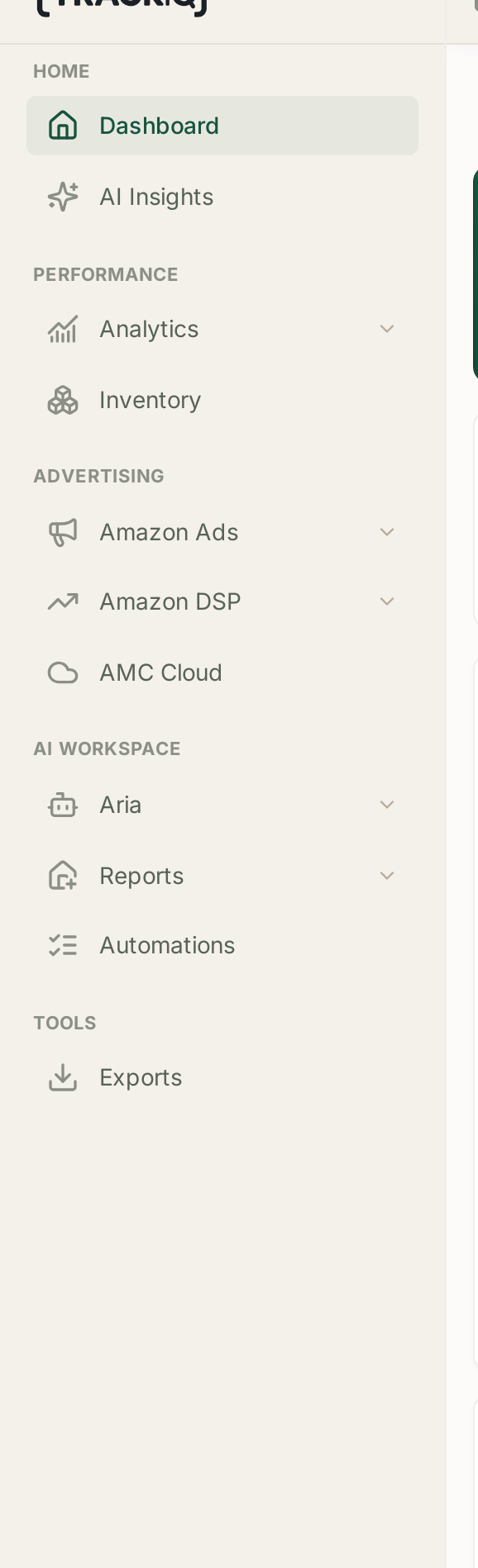
| Section | Contains | Use it for |
|---|---|---|
| Home | Dashboard, AI Insights | the state of things, and what needs attention |
| Performance | Sales Performance, Search Query Performance, Rank Tracker, Category Insights, Inventory | questions about the business |
| Advertising | Amazon Ads, Amazon DSP, AMC Cloud | questions about campaigns |
| AI Workspace | Aria (Chat, Studios), Reports, Automations | asking, reporting, automating |
| Tools | Exports | getting data out |
| Settings | Profile, Connections, MCP & API Keys, Aria in Slack | configuration |
The split worth internalising is Performance versus Advertising. Performance answers how is the business doing. Advertising answers how are the campaigns doing. When a number surprises you, knowing which of those two questions you are asking tells you which half of the sidebar to open.
The layout repeats
Almost every reporting screen has the same three parts, in the same order:
- Headline tiles — the figures, each with a sparkline and a change against the previous period.
- A trend chart — with Day / Week / Month, and a Values / % change toggle.
- A table — with Search, Filters, Manage Columns and Export.
Once you can read one, you can read all of them. See Filters, Manage Columns and Exporting a Table for the controls, and Date Ranges, Granularity and Comparing Against the Previous Period for the date behaviour.
Check this before reading any number

Along the top: the brand and marketplace switcher.
Every screen below it is scoped to whatever is selected there. If you manage more than one brand, or sell in more than one marketplace, this is the single easiest way to misread your own data — looking at the right screen for the wrong brand.
Make checking it the first thing you do when a figure looks unfamiliar.
If a section is missing
Sections you do not have access to are hidden entirely, not greyed out. So a colleague can describe a screen that simply is not in your sidebar.
There are two reasons:
- Your role. Ask an administrator on the account to review your access, then reload the page — the sidebar is built when the app loads.
- Your plan. Search Query Performance, DSP, AMC Cloud and Category Insights are PRO and above.
See I Cannot See a Menu Item That Someone Else Can.
Getting somewhere quickly
The fastest route to an answer is often not the sidebar at all. Aria will fetch a number without you knowing which screen holds it, which is worth remembering on your first few days when the map is still unfamiliar.
Related
- Welcome to TrackIQ — what TrackIQ is for, and who it is for.