

Your FBA storage limit is what caps how much stock you can hold — and going into Prime Day or Q4 with a limit that will not fit your plan is a self-inflicted stockout.
Capacity Manager is how you bid for more, and it is a bid, not a request: you name a maximum price per cubic foot and Amazon allocates space accordingly.
It is also a well-defined, delegable process — see Onboarding a VA.
Prefer to watch? One hundred and seventy seconds on converting forecast units into cubic feet, bidding against recent winning rates, and resubmitting after a denial.
Where it is
Inventory → FBA Dashboard → Capacity Monitor (at the bottom of the screen).
Choose your product size tier — standard-size, oversize and so on — then Go to Capacity Manager, and Create a new request.
Requests are per size tier. If you sell both standard and oversize products, you need a request for each.
Step 1: pick the month
You cannot request for the current month — only upcoming ones.
Which is the single most important operational fact here. Realising in late October that you need November space is already too late for October, and the shipment has to arrive before the space matters.
Work backwards from your inbound lead time, not from the month you need the stock.
Step 2: work out how much space you actually need
Translate forecast units into cubic feet.
Case pack cubic feet = (L × W × H in inches) ÷ 1,728.
Total cubic feet = (forecast units ÷ units per case) × case pack cubic feet.
Worked example
5,000 units of a lotion forecast for Q4. 12 units per case, case dimensions 16" × 12" × 10".
Case volume: (16 × 12 × 10) ÷ 1,728 = 1.11 cu ft
Cases needed: 5,000 ÷ 12 = 417
Total: 417 × 1.11 = 463 cu ft
Check your size tiers. Bulky products consume space far faster than the unit count suggests, and a tier misclassification throws the whole calculation.
Then request 20–30% more than the calculation — but not dramatically more. Amazon charges reservation fees on space you leave unused, though performance credits can offset this if your sales volume is strong.
The forecast is the input to all of this — see Inventory Forecasting and Purchase Orders.
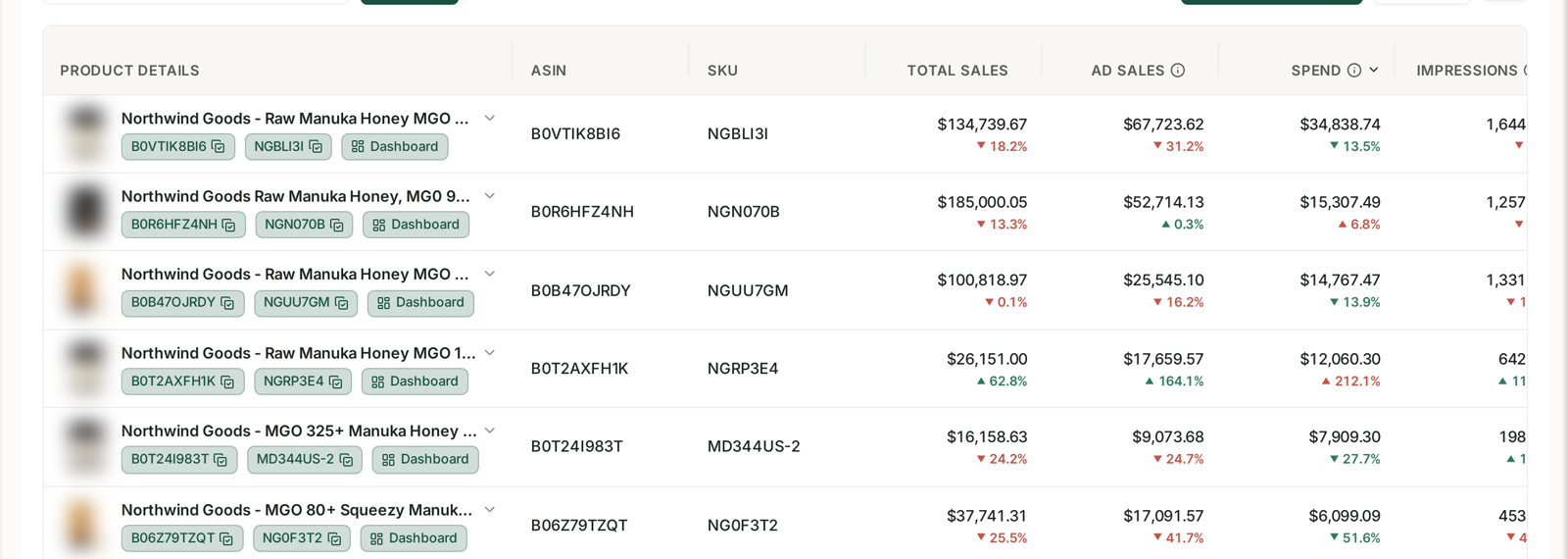
A capacity request is only as good as the forecast under it, and the forecast has to be per product, seasonal, and current — see Monitoring Inventory Against Sales. Requesting against last year's numbers is how sellers end up paying reservation fees on space they never fill.
Step 3: set your bid
The Maximum Reservation Fee is the most you will pay per cubic foot if you actually use the space.
Do not take Amazon's recommendation at face value.
Use Download Reservation Fees History to see what sellers recently paid.
If Amazon recommends $2.00 but recent winning bids were $4.00–6.00, bid competitively — a low bid is simply a request that quietly fails.
The panel shows your total maximum exposure — 400 cu ft × $2.00 = $800. Check that number before submitting, because it is what you are committing to.
Step 4: set an expiration date
If you need a decision by a deadline, set one.
Give yourself 1–2 weeks of margin before the shipment has to move. An approval that lands the day your freight was due to leave is not an approval you can use.
Step 5: review and submit
Check the requested volume and the total maximum reservation fee against your actual plan, then submit.
If it is denied, edit and resubmit — raise the bid, or adjust the volume. A denial is a negotiating position, not a final answer.
If Amazon shows you the "I need help" screen instead
Some accounts see a guided version rather than the manual form.
Choose "I need help" and Amazon estimates the capacity and suggests a bid from your forecast sales.
But treat those numbers as a starting point. They tend to be conservative in a specific direction — a higher bid and a lower volume than you probably need.
Edit both before submitting, using your own cubic-feet calculation.
Common mistakes
Requesting in the month you need the space, which is not possible.
Forecasting units without converting to cubic feet.
Bidding at Amazon's recommendation without checking recent winning bids.
Requesting far more than you need, and paying reservation fees on empty space.
Requesting for one size tier when your catalogue spans two.
Treating a denial as final rather than resubmitting with a higher bid.
Leaving no margin on the expiration date, so approval arrives too late to ship against.
Related
- Inventory Forecasting and Purchase Orders — the forecast this request is built on.
- Prepare for Prime Day: Budget Rules and Inventory Cover — the event this usually exists for.
- Reimbursements, COGS and Capacity — the wider capacity and cost picture.