

Placement multipliers are the highest-leverage setting most accounts never revisit. They were set once, at launch, from a guess — and they are still quietly multiplying every bid in the campaign.
An hour, once a quarter, on evidence you already have.
Prefer to watch? A hundred and ten seconds on the four decisions, and the two mistakes that make the result unreadable.
What a multiplier actually does
In Amazon Ads you can raise a campaign's bid for a specific placement by a percentage. A 50% Top-of-Search multiplier means a £1.00 base bid becomes £1.50 when your ad is eligible for the first row of results.
Two things follow, and both catch people out:
It multiplies, it does not replace. Raise the base bid and every multiplier's effect rises with it.
The multiplier is set in Amazon Ads; the evidence is in TrackIQ. This playbook is about producing the number, not about the control that consumes it.
Before you start
Set a window with enough clicks. Thirty days, or long enough that every placement in a campaign has a few hundred clicks. Placement data is thin by construction, and a quarter's worth of decisions should not rest on forty clicks.
End the window a fortnight ago, not today. Attribution is still landing on recent days and will make every placement look worse than it is. See Time to Conversion: Checking Your Attribution Window.
Know your target ACoS, per campaign or portfolio. Without it there is nothing to compare against. See Set a Target ACoS Across a Whole Portfolio.
1. Pull the evidence
Amazon Ads → Placements, with the window set.
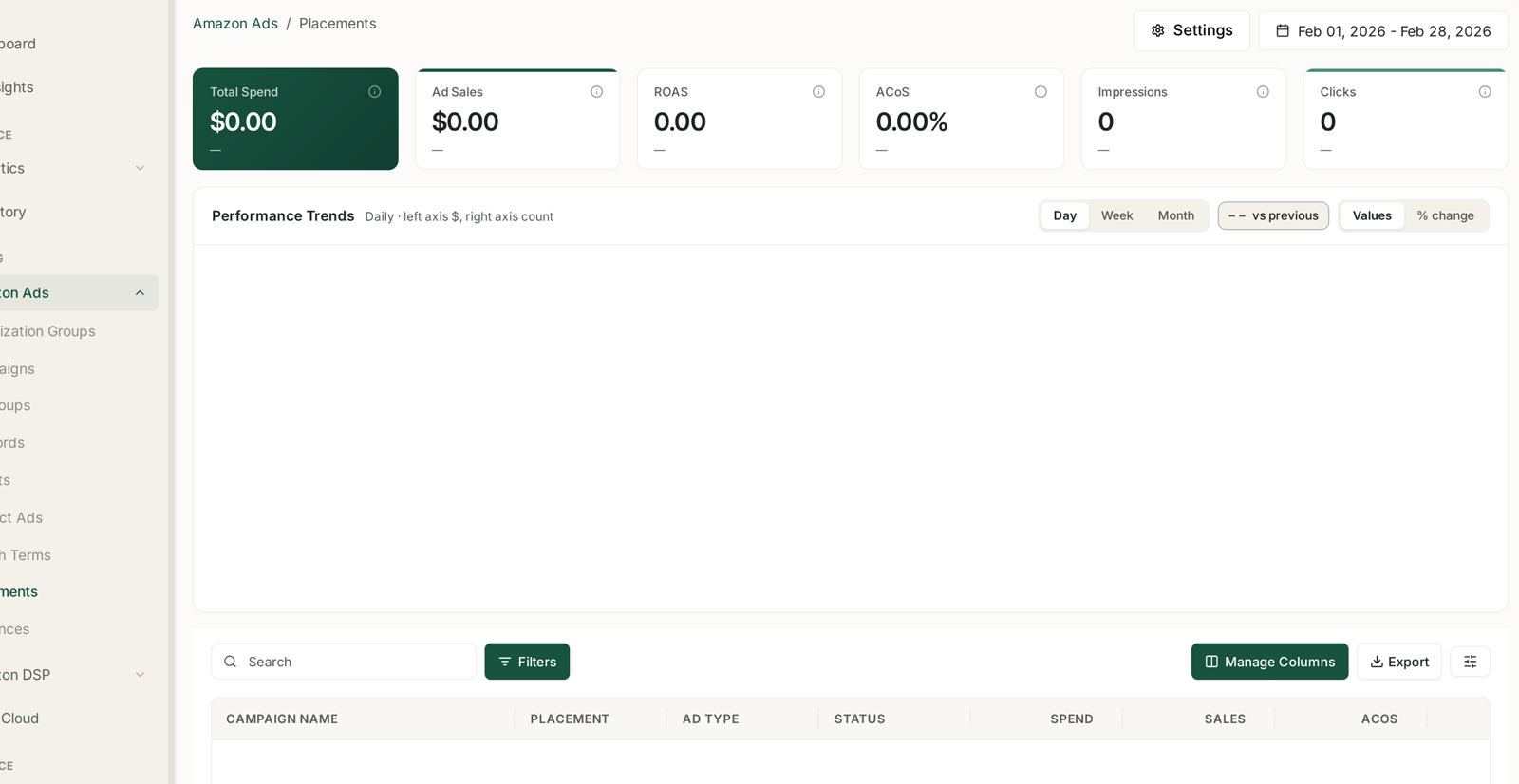
The table gives one row per campaign per placement. Export it, or work on screen with the campaign filtered. See Placements: Top of Search vs Rest of Search.
Work campaign by campaign. Comparing Top of Search in one campaign against Product Pages in another tells you nothing, because everything else differs too. The comparison is only valid inside a single campaign.
2. Score each placement
For every campaign, write down four numbers per placement:
| Why | |
|---|---|
| Clicks | is this even decidable? |
| ACoS | against target |
| Conversion rate | the mechanism |
| RPC (revenue per click) | the cleanest single comparison |
RPC is the number to sort on. ACoS blends price and conversion; RPC collapses them into one figure in your own currency, which is exactly what a bid decision needs.
3. Decide, one placement at a time
| What you see | Read | Do |
|---|---|---|
| ACoS well under target, high RPC | under-buying a good position | raise the multiplier |
| ACoS near target | correctly priced | leave it |
| ACoS over target, low conversion | paying premium for weak traffic | lower it |
| ACoS over target, good conversion | conversion is fine, the price is not | lower modestly, watch |
| Under 100 clicks | not decidable | leave it and revisit |
The fourth row is the one people get wrong. Good conversion with bad ACoS is a price problem, not a placement problem. Cutting hard there throws away traffic that was converting.
4. Move in steps you can attribute
Change one campaign at a time, or a small set with the same shape.
Move in increments of 25 percentage points, not from 0% to 200%. A large jump changes what you win as well as what you pay, and the result is uninterpretable.
Do not change the base bid in the same week. If you change both, you cannot tell which did what — and the multiplier compounds on the new base, so the effect is larger than you intended.
Write down what you changed and when. This is the whole reason next quarter's audit will be quick.
5. Wait, then read it back
Give it two full weeks, plus the attribution window. Three days tells you nothing.
Re-pull the same view for the new period and compare like with like:
Did the placement's share of spend move as expected?
Did ACoS move toward target?
Did total campaign performance improve — not just that placement's? Shifting spend between placements can leave the campaign exactly where it was, which is a useful thing to learn.
A quarterly rhythm
Once a quarter is right. More often and you are reading noise; less often and you are leaving the setting to drift through a whole season.
Also audit after any big change — a price change, a new hero product, a category shift, a Prime Day. Placement economics move with them. See Run a Post-Event Teardown.
What not to do
Do not set the same multiplier across every campaign. That is the guess you are trying to replace.
Do not chase Top of Search unconditionally. It is the most expensive position on Amazon and it is not always worth it. The data says whether it is for you.
Do not audit placements when the campaign has a different problem. If the whole campaign misses target on every placement, the issue is the base bid, the keywords or the listing — not the split. See Diagnose an ACoS Spike in Ten Minutes.
Do not read a placement with forty clicks. Say "not decidable" and move on.
If the Placements screen is empty
It populates once your campaigns have placement-level reporting for the window. An empty screen means either the range is wrong or the campaign types you are running do not report placement — not that something is broken. See Placements: Top of Search vs Rest of Search.
Related
- Placements: Top of Search vs Rest of Search — the screen, in full.
- Campaigns: Budgets, Placement and Audience Adjustments — where multipliers are set.
- Set a Target ACoS Across a Whole Portfolio — the number you audit against.
- Time to Conversion: Checking Your Attribution Window — why the window ends a fortnight ago.
- Create a Sponsored Products Campaign — where the multipliers are first set.
- Ad Type and Placement Mix — the benchmarks the multipliers should be serving.
- Placement Bid Optimisation — the weekly routine behind the audit.