

A shipping plan tells Amazon what you are sending, how much, and how it is packed. Nothing reaches FBA without one, and most receiving problems are created here rather than in transit.
The errors are all preventable, and they all cost the same thing: delay, at the exact moment you were trying to avoid a stockout.
Prefer to watch? One hundred and eighty-four seconds on the settings that decide your freight cost, choosing a mode against your remaining cover, and the details that cause check-in failures.
Creating it
Inventory → Shipments (under Fulfilment by Amazon) → Send to Amazon.
Step 1: shipping details
Ship-from address — your supplier, your 3PL, or your own warehouse.
This is not administrative. The origin influences which Amazon warehouses your stock is assigned to, and therefore what the freight costs.
Marketplace destination — check it matches where you intend to sell.
Then one checkbox that catches people out. Do not tick "I want to ship with Amazon or an Amazon-partnered carrier" unless you actually are. Using your own freight forwarder means leaving it unchecked.
Step 2: products and packing
Select the SKUs, then per SKU:
Units per box.
Box dimensions.
Box weight.
Use case packs — one box, multiple units of the same product. It is faster to check in and far less error-prone than mixed boxes.
Then enter the number of boxes, and Amazon calculates the total units.
Step 3: confirm — where the errors surface
Amazon checks the shipment against your storage capacity limits. Over the limit and you cannot proceed — see Requesting FBA Capacity.
It also flags hazmat requirements and missing compliance or certification.
Fix everything shown before continuing. These do not resolve themselves later.
Step 4: ship date, mode, and carrier
Ship date is when you hand the goods to the carrier, not when they arrive.
Small Parcel Delivery or pallets
| Small Parcel (SPD) | Pallets | |
|---|---|---|
| Format | boxes only | palletised |
| Best for | small shipments, a few cartons | bulk volume |
| Cost per unit | higher | lower |
| Check-in speed | fast — days | slow — up to two weeks |
| Freight | parcel carrier, partnered or your own | LTL/FTL, usually a forwarder |
Rule of thumb: a few boxes → SPD. Bulk inventory → pallets.
And use SPD deliberately as a stockout tool. When a product is days from going dark, a small parcel shipment checked in within days can bridge the gap that a pallet shipment cannot — see Going Out of Stock.
Amazon then assigns the fulfilment centres, and may split your shipment across several. That is normal, and it changes your cost.
If you use an Amazon-partnered carrier, the shipping fees are charged to your Amazon account balance once you proceed. Review the estimated fees before confirming, not after.
Step 5: labels
Print box labels. Every box must carry the correct label for its SKU.
Have your supplier apply them before shipping. It is cheaper and faster than having a 3PL do it on arrival.
Missing or wrong labels is the most common cause of check-in problems, and it is entirely avoidable.
Step 6: pallets, if applicable
Enter the pallet count and print pallet labels.
Palletise in the destination country, through your forwarder or 3PL.
Palletising at origin wastes container space and raises your freight cost — you are shipping air.
Step 7: tracking
Add a tracking ID for parcel shipments, or a BOL / freight reference for pallets.
Some marketplaces also want customs or import references once the goods land.
Amazon needs this to receive the shipment properly, so accuracy matters more than it appears.
Seven things that cost people money here
Created shipments count against your capacity immediately. Cancel anything you are not going to send, or it is consuming space you may need.
Shipments expire after about 90 days. Ship and deliver inside that window.
Send exactly what you declared. Mismatched units, box counts, dimensions or weights cause delays, extra fees, or refusal.
Labels are mandatory and must be correct.
Monitor until check-in. A stuck shipment is only expensive if nobody notices.
Expect split shipments, and factor the cost.
Consider AWD for bulk, where it is often cheaper than sending everything straight to FBA — see Is AWD Cheaper? and AWD Shipping and Replenishment.
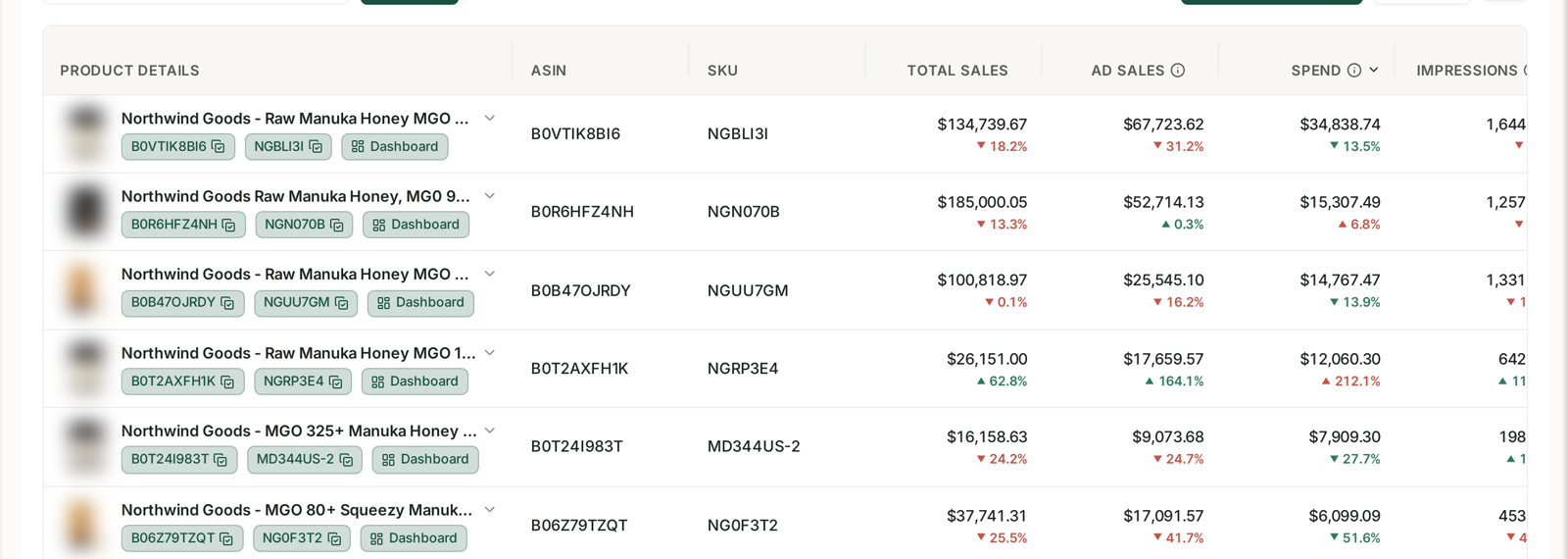
Which mode you choose is really a question about how many days of cover you have left, and that has to be current per product — see Monitoring Inventory Against Sales. A pallet shipment against three weeks of cover is a stockout you have already scheduled.
Common mistakes
Ticking the partnered-carrier box while using your own forwarder.
Creating shipments you do not send, and eating your own capacity.
Sending different quantities from those declared.
Labelling at the 3PL rather than at the supplier.
Palletising at origin, and paying to ship empty space.
Choosing pallets when cover is short, and going out of stock during check-in.
Not tracking through to check-in, so a stuck shipment surfaces weeks late.
Related
- Requesting FBA Capacity — the limit this shipment is checked against.
- AWD Shipping and Replenishment — the alternative route for bulk inventory.
- Inventory Forecasting and Purchase Orders — deciding what to send and when.