

A relaunch begins with a question that sounds backwards: which keywords do I already deserve to rank for?
Not which you want. Not which have the most volume. Which ones does the data say shoppers already respond well to your product on — because those are the ones where pushing velocity will actually move rank.
Search Query Performance answers this, because it reports both the keyword's averages and your product's performance against them.
Prefer to watch? One hundred and nineteen seconds on the columns that size a keyword, the two comparisons that decide everything, and what one above and one below is telling you.
Why SQP is the right report
Most keyword tools estimate. SQP is Amazon reporting what actually happened: how many people searched a term, how many clicked, how many bought, and how much of that was yours.
That gives you the comparison the whole relaunch depends on — your product against the keyword's average, on the same term, over the same period.
The columns that matter
Work from the top 100 keywords your product received organic impressions for.
Sizing the keyword
Search Frequency Rank (SFR) — a rank, so lower means more searched. SFR 8,000 is a much bigger keyword than SFR 400,000.
Total purchases — how many units the keyword produced across all sellers last month. This is the prize. A keyword with high search volume but few purchases is a browsing term, not a buying one.
Purchase rate — purchases divided by searches, which separates intent from curiosity.
A term like black wooden standing desk has high purchase intent: people searching it are buying one. A term like office gift for my husband has low purchase intent: lots of searches, little conversion, because the shopper does not yet know what they want.
Prioritise purchase rate over raw volume. A smaller keyword where people buy beats a larger one where they browse.
The two comparisons that decide everything
KW CVR is the keyword's average conversion rate. ASIN CVR is yours.
KW CTR is the keyword's average click-through rate. ASIN CTR is yours.
| Comparison | Reading |
|---|---|
| Your CVR above keyword average | strong signal — shoppers who reach you buy |
| Your CVR below average | weak — the listing or offer is losing them |
| Your CTR above average | strong — your image, title and price earn the click |
| Your CTR below average | weak — you are being scrolled past |
Both above average is a green light. Amazon is telling you that when shoppers encounter your product for this term, they respond better than they do to the average competitor. Push velocity and rank should follow.
Both below average is a red light — not a keyword to launch on, but a listing to fix first.
One above and one below is a diagnosis. High CTR with low CVR means the listing sells the click and then loses the sale — a price, review or content problem. Low CTR with high CVR means the product converts well but is not being noticed — a main image, title or price-presentation problem.
That second case is the more encouraging one, because CTR is usually easier to fix than CVR.
Your current position
Organic rank for each keyword tells you how far you have to travel. A keyword where you already sit at 15 is a very different project from one where you are at 90.
The second view: advertising data
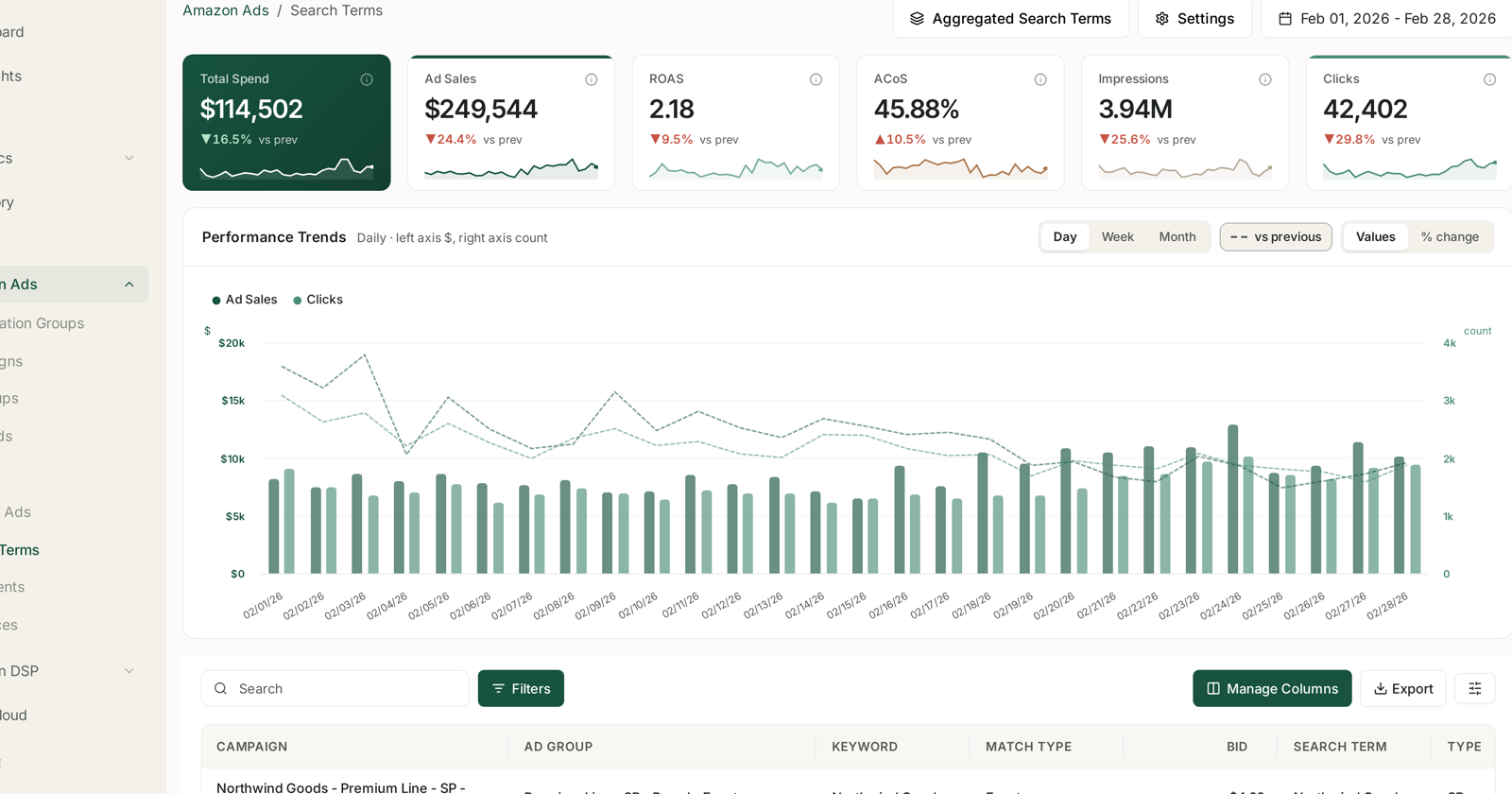
Alongside the organic picture, look at how the same keywords performed in your Sponsored Products campaigns over the last 60–65 days.
This matters because advertising data is often richer than organic data for a term you rank poorly on — you may have almost no organic impressions but plenty of paid clicks. If your paid CVR on a keyword is strong, that is evidence your product converts even though your organic position is currently too low to show it.
See Search Terms and Aggregated Search Terms and SQP and Keywords: Finding Unbid Queries.
Scoring the opportunity
With both views assembled, rate the launch opportunity out of ten before committing budget.
What makes a strong opportunity: several keywords with meaningful purchase counts, where your CVR and CTR both beat the average, and where your current organic rank leaves real room to climb.
What makes a weak one: your metrics trail the average across the board. That is not a launch, it is a listing project. Do that first.
A note on reading SQP
SQP is weekly, and the weeks are cohorts rather than a running total. Comparing the wrong periods produces conclusions that are simply wrong. See SQP Is Weekly: Reading Week Cohorts, and Why SQP Data Is Sparse for why small keywords sometimes show nothing at all.
Doing it without the spreadsheet
The manual version means exporting SQP, exporting rank, exporting advertising data, and joining them per keyword in a sheet — then repeating it every time you want a current view.
In TrackIQ that join already exists. Keyword-level SQP metrics, your ASIN's performance against the keyword average, and organic rank sit together over a date range you set. See Understanding Search Query Performance and SQP Recommended Actions.
Related
- Grouping and Prioritising Keywords — step 2, turning the list into a plan.
- What a Relaunch Is, and When to Run One — why these two comparisons decide everything.
- Understanding Search Query Performance — the report itself.
- Assembling the Relaunch Keyword Sheet — the five sources that build the comparison.