

Step 1 of a relaunch needs one table: every keyword in your niche, with the keyword's own averages beside your performance on it.
No single Amazon report contains that. It has to be assembled from five, and the assembly is most of the work.
Here is what each source contributes, and why the sheet needs all of them.
Prefer to watch? One hundred and sixty-two seconds on why SQP is the irreplaceable source, what the other four contribute, and what the assembled comparison lets you decide.
Pick the ASIN first
Work on one child ASIN, not the parent.
If the product has variations, take the child with the most sales in the last 30 days — parent-level data blends variants whose keywords may differ, and blurs exactly the comparison you are building.
Source 1: Search Query Performance — the keyword's averages
Brand Analytics → Search Analytics → Search Query Performance → ASIN view.
Enter the ASIN, set the range to the previous month, and generate the download.
This is the most important source, because it gives you what nothing else does: the average conversion rate and click-through rate for each keyword, across all sellers.
Without that average, "my conversion rate is 12%" means nothing. With it, you know whether 12% is exceptional or poor for that term — see Understanding Search Query Performance.
Source 2: organic rank — where you currently sit
For each keyword, your current organic position.
This tells you which keywords are worth pushing — a term where you already rank 4th has less headroom than one where you rank 30th with strong conversion. See Reading Organic and Sponsored Rank.
Source 3: the search term report — your advertising performance
Reports → Advertising Reports → Create report.
Sponsored Products, report type Search Term, the longest period allowed.
This gives you your own conversion and click-through per search term — the numbers you compare against SQP's averages.
One formatting note: currency symbols in the export prevent the columns being read as numbers. Find and replace them out before working with the sheet.
Source 4: the advertised product report
Same place, report type changed to Advertised Product.
This attributes performance at the ASIN level rather than the search term level, which is how you separate a keyword problem from a product problem.
Source 5: Business Reports — sessions and conversion
Sessions and unit session percentage, for overall context.
Useful as a sanity check. If your listing-level conversion is weak everywhere, no individual keyword is going to carry the relaunch — that is a listing problem first. See Understanding Business Reports.
What the assembled sheet lets you do
Per keyword, side by side:
The keyword's average conversion rate and CTR.
Your conversion rate and CTR.
Your organic rank.
Search volume.
Then the step 1 gate becomes readable: which keywords do you beat the average on, and how much headroom is there — see Why the Relaunch Process Is Gated.
That comparison is the entire purpose of the exercise. Everything else in the sheet is supporting context.
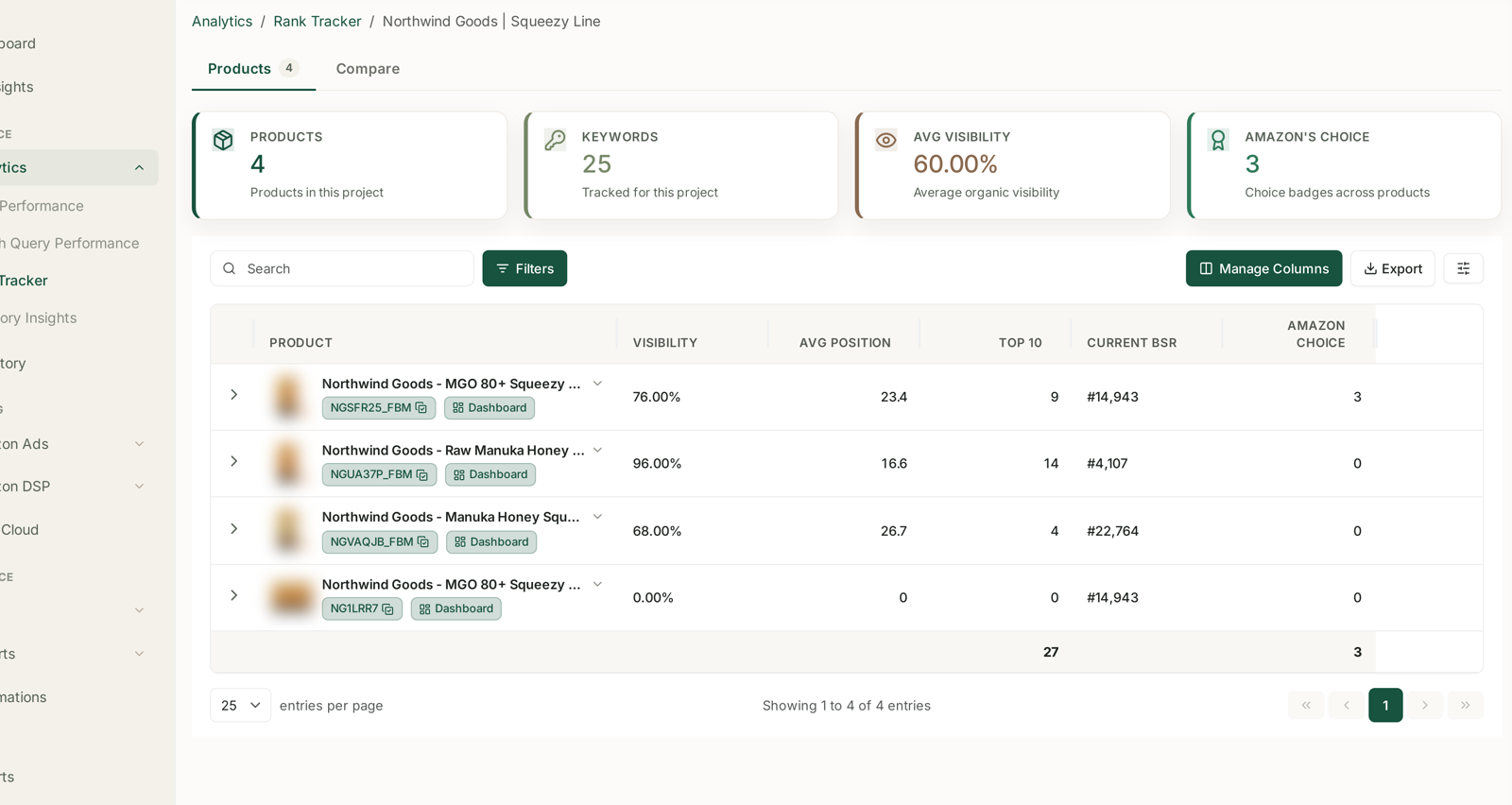
This is the clearest case in the whole training of assembly costing more than analysis — five exports, one sheet, per product, going stale within weeks. See Understanding Search Query Performance and Keyword Research from Search Query Performance. When the comparison is already there, step 1 of a relaunch is a decision rather than a project — which is what makes running relaunches continuously realistic rather than aspirational.
Then group
With the comparison in front of you, define the keyword groups — see Grouping and Prioritising Keywords.
And note that the sheet is per product. Each relaunch candidate needs its own, which is why the assembly cost matters so much at portfolio scale — see The Long-Term Ranking Plan.
Common mistakes
Using the parent ASIN, and blending variants with different keyword profiles.
Pulling SQP for the wrong date range, so your data and the averages cover different periods.
Leaving currency symbols in the search term export, and getting text instead of numbers.
Skipping organic rank, and pushing keywords with no headroom.
Reading your conversion rate without the keyword average — the number alone tells you nothing.
Building it once and relaunching against it three months later.
Related
- Keyword Research from Search Query Performance — what to do with the assembled sheet.
- Why the Relaunch Process Is Gated — the gate this sheet exists to answer.
- Grouping and Prioritising Keywords — the step that follows.