

Once you have decided AWD is worth using, the operational side is straightforward — it works almost exactly like inbounding to FBA. There are two places it differs, and both matter.
Prefer to watch? One hundred and sixty-three seconds on checking regional restrictions before you build a shipment, the partnered-carrier discount, and replenishing FBA in time.
Where it lives
Menu → Inventory → AWD (Warehousing and Distribution).
Three things happen here: view inventory, track shipments, create shipments.
Creating a shipment into AWD
Identical to a normal FBA inbound. Enter the boxes you are ready to send, create labels, ship.
The one real difference is destination.
Regional destinations, and their restrictions
AWD assigns you to a region — East Coast, West Coast, South Central or Southeast — and each has its own acceptance rules, which change as the network expands.
In practice this has meant pallets to some regions and parcels to others, with some regions closed to new shipments entirely.
So check the current restriction before you build the shipment, not after. Discovering your region will not take parcels when the boxes are already labelled is an expensive afternoon.
Choose Amazon-assigned unless you have a reason not to, and let Amazon tell you where the inventory should go.
And know your freight position. If you are using Amazon's own freight the cost is unaffected by which region you are sent to. If you are shipping independently, the destination changes what you pay — so a region assignment is a cost decision, not just a logistics one.
The fee lever: use an Amazon-partnered carrier
Storage and processing fees are lower when the inbound is Amazon-managed.
Choose a partnered carrier at shipment creation. It is a one-click difference at setup and a permanent difference on every unit stored — see Is AWD Cheaper?.
Viewing what is there
Inventory → Warehousing and Distribution shows, per product:
Units at AWD.
Units in transit.
Units with errors.
Watch the errors column. It is the only place some receiving problems surface before they become missing inventory — see AWD Reimbursements.
Moving inventory from AWD onward
Move from AWD, then select the products.
Two destinations:
FBA — the normal replenishment path.
A retail or distribution partner — add the channel and Amazon ships to them.
You get a cost before you confirm, which is the number to check against your own freight alternative rather than accepting by default.
Track outbound shipments in the same place. They also appear on the normal FBA Shipments tab once they are moving, so you are not tracking them in two systems.
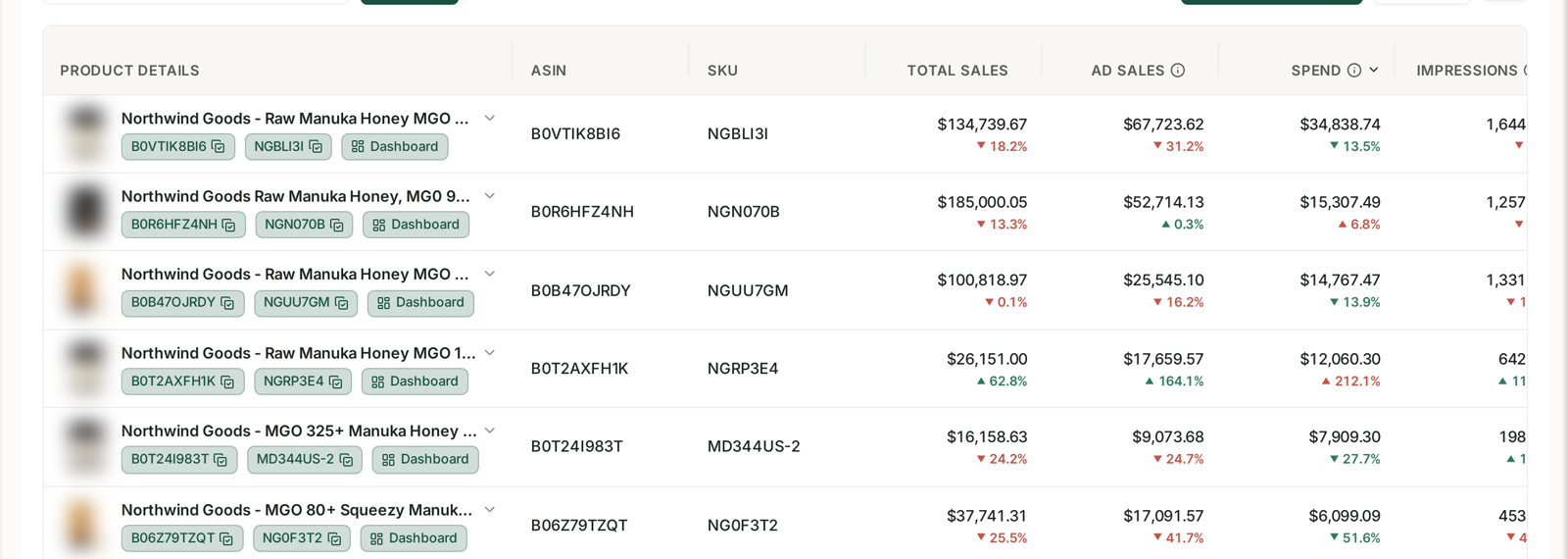
Once inventory sits in two places, "how many units do I have" stops being one number — see Monitoring Inventory Against Sales. Cover calculations that ignore AWD stock will tell you to reorder when you already hold three months of it.
How replenishment changes your planning
AWD is a buffer, not a warehouse you forget about.
Your FBA cover calculation now has a second lead time in it — the AWD-to-FBA replenishment, which is days rather than the weeks an overseas shipment takes.
Which is the whole point. You can hold less in FBA, avoid FBA storage fees on slow-moving stock, and still replenish quickly — see Inventory Forecasting and Purchase Orders.
But it only works if you actually trigger the replenishment in time. Stock sitting in AWD while the FBA listing goes out of stock is the worst of both arrangements — see Going Out of Stock.
Common mistakes
Building a shipment before checking the region's current restrictions.
Not choosing an Amazon-partnered carrier, and paying higher storage and processing fees permanently.
Ignoring the errors column in the inventory view.
Counting only FBA units when calculating cover.
Treating AWD as long-term storage rather than as a replenishment buffer.
Leaving replenishment too late, and going out of stock with inventory 200 miles away.
Related
- What AWD Is — whether to use it at all.
- Is AWD Cheaper? — the cost comparison this operational work rests on.
- AWD Reimbursements — reconciling what you sent against what arrived.