

A validated List Price puts a strike-through and a discount on your listing — in search results as well as on the detail page. It costs nothing, and it does two useful things.
It lifts click-through and conversion, because the price now carries perceived value rather than sitting on its own.
And it raises your deal ceiling. Deal eligibility and discount depth are frequently measured against the validated List Price, so a validated MSRP lets you run deals at higher price points than you otherwise could.
Prefer to watch? One hundred and sixty-three seconds on the three conditions Amazon validates against, what a full calendar day means per marketplace, and watching the Buy Box through the change.
Where it works, and where it does not
Generally unavailable in Canada, Australia and France.
Available but unstable in Italy and Spain.
Works reliably in the US, UK and Germany.
Typically unavailable for Grocery in the US.
Not available on brand-new products. Amazon wants at least nine days of Featured Offer data before it will validate through your sales history.
The main method: raise, sell, then drop
The logic is that Amazon validates a List Price by seeing you actually sell at it. So you sell at the higher price for a day, then drop back and the difference becomes the strike-through.
1. Inventory → Manage Inventory → Edit on the SKU.
2. Offer tab, All attributes enabled.
3. Set the MSRP / List Price field to your target higher price — the field name varies by store, category and marketplace.
4. Set Your Price to the same amount, on every SKU on the ASIN.
5. Leave Sale Price, Sale Start Date and Sale End Date empty. Save and finish. The listing price rises within about 15 minutes.
6. Now wait for all three conditions:
At least 3 orders at the higher price within the full calendar day.
Buy Box not suppressed, and you are the Featured Offer.
The price live for a full calendar day.
What "a full calendar day" means in practice
UK / EU: raise the price before midnight local time, leave it untouched all the next day, drop it the following morning.
US: raise before midnight EST, leave it all the next day, drop after midnight PST the day after — so it covers a full day in both time zones.
7. Then edit the SKUs again and put your normal price into Sale Price, with Sale Start Date = today and Sale End Date 3–4 months out.
8. Save. The price drops back within about 15 minutes.
9. Diary a renewal every 60–85 days, before the sale end date arrives. This is the step people forget, and the strike-through disappears when it lapses.
How to check it worked
Open the listing's price history. The higher price must appear there — if Amazon did not log the increase, it will not validate the List Price.
Then wait 24–48 hours and look at the front end. Sometimes it takes up to 7 days, so an absence on day two is not a failure.
If it does not appear, run the cycle again — raising and lowering up to about four times is reasonable. It will not work on every product.
The alternative: external price validation
Amazon has begun validating List Prices against prices on selected external sites — in practice, your own website and one large US marketplace.
Check the Competitive Price field in Manage Inventory. If Amazon is already detecting an external price, you can validate a List Price within $1 or 1%, whichever is larger, of it.
Then you can set List Price and Sale Price immediately, with no waiting period and no sales at the higher price.
Watch the Buy Box
Raising your price is the risk in this whole procedure.
Amazon suppresses the Buy Box on prices it considers too high, and an external price lower than your new Amazon price will cost you the Featured Offer outright.
So watch the listing in the hours after the change, and again inside 24 hours. If the Buy Box goes, drop the target price by a couple of dollars and try validating from a lower amount.
And do not start this on a Friday evening and walk away. A suppressed Buy Box over a weekend is the expensive version of this mistake.
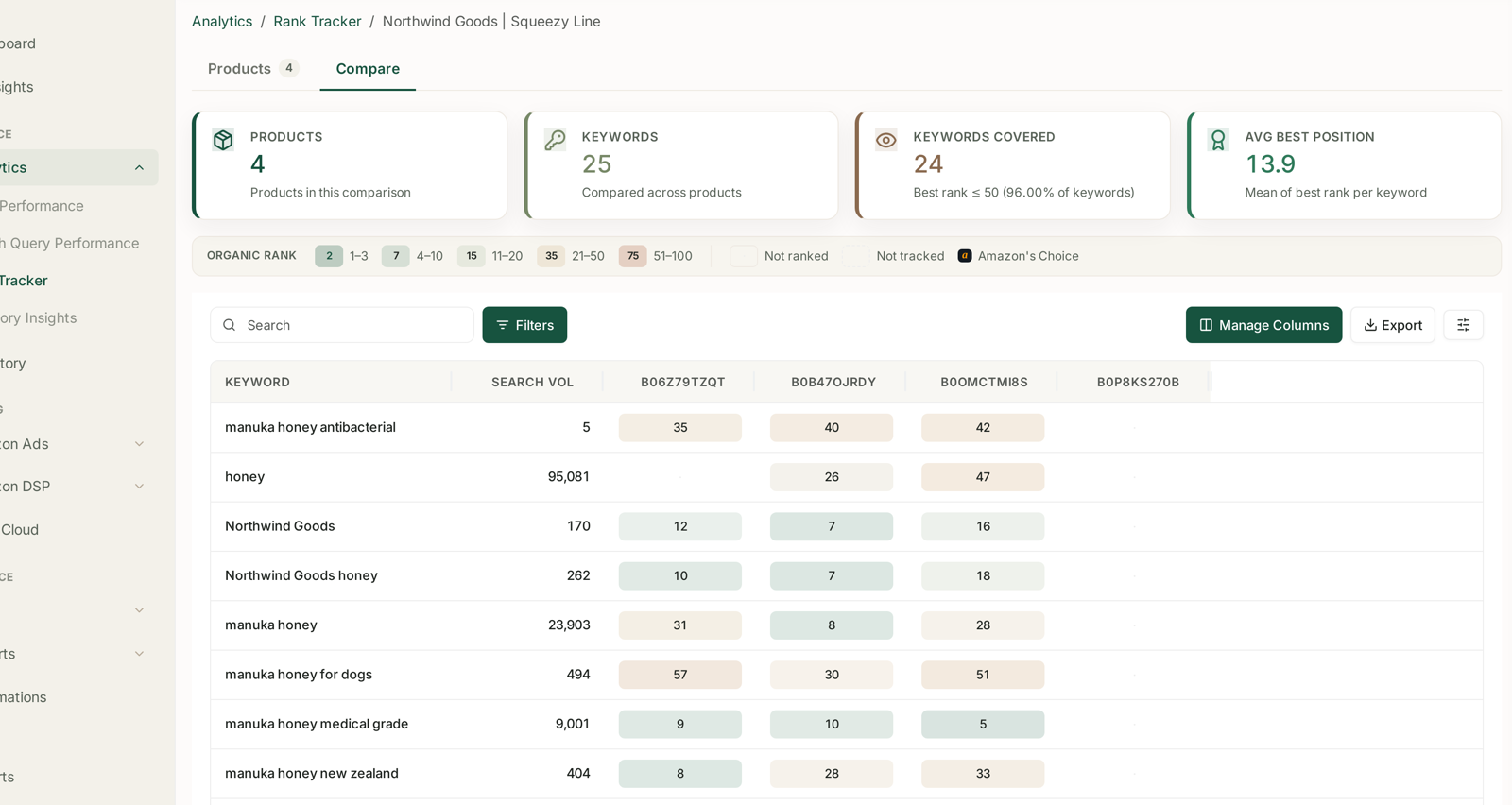
Watching Buy Box status and price together across the change window is what turns this from a risky manual procedure into a routine one — see Tracking Competitor ASINs Alongside Your Own. Checking a listing by hand at intervals through a Saturday is how the loss gets noticed on Monday.
A note on accuracy
A List Price should reflect a genuine suggested retail price and be accurate, current and verifiable. Amazon decides whether and how reference prices display, requirements vary by marketplace, and they change. The mechanics above are how validation works; whether a given figure is a legitimate MSRP for your product is your call to make correctly.
Common mistakes
Updating only one SKU on a multi-SKU ASIN.
Dropping the price too early, before a full calendar day has elapsed in every relevant time zone.
Leaving Sale Price populated during the validation window, which defeats the whole mechanism.
Not checking the price history, and re-running a cycle Amazon never logged.
Ignoring the Buy Box through the high-price window.
Letting the sale end date lapse, and silently losing the strike-through after months of it working.
Related
- Amazon Deals: Lightning and Best — where a validated List Price pays off.
- Maximise Your Deal Price — the deal-pricing side of the same lever.
- Pricing and Gross Margin — what the real selling price has to clear.