

There are 26 tools. You will never call one by hand — your assistant picks them for you — so read this the way you would read a menu, not a manual: to know what is possible to ask for.
The useful sections are the last two. The grain of each tool explains why some answers come back per day and others per week, and Six traps covers the places an assistant can produce a confident wrong number.
Prefer to watch? Sixty-seven seconds on how the tools group, and the traps worth knowing.
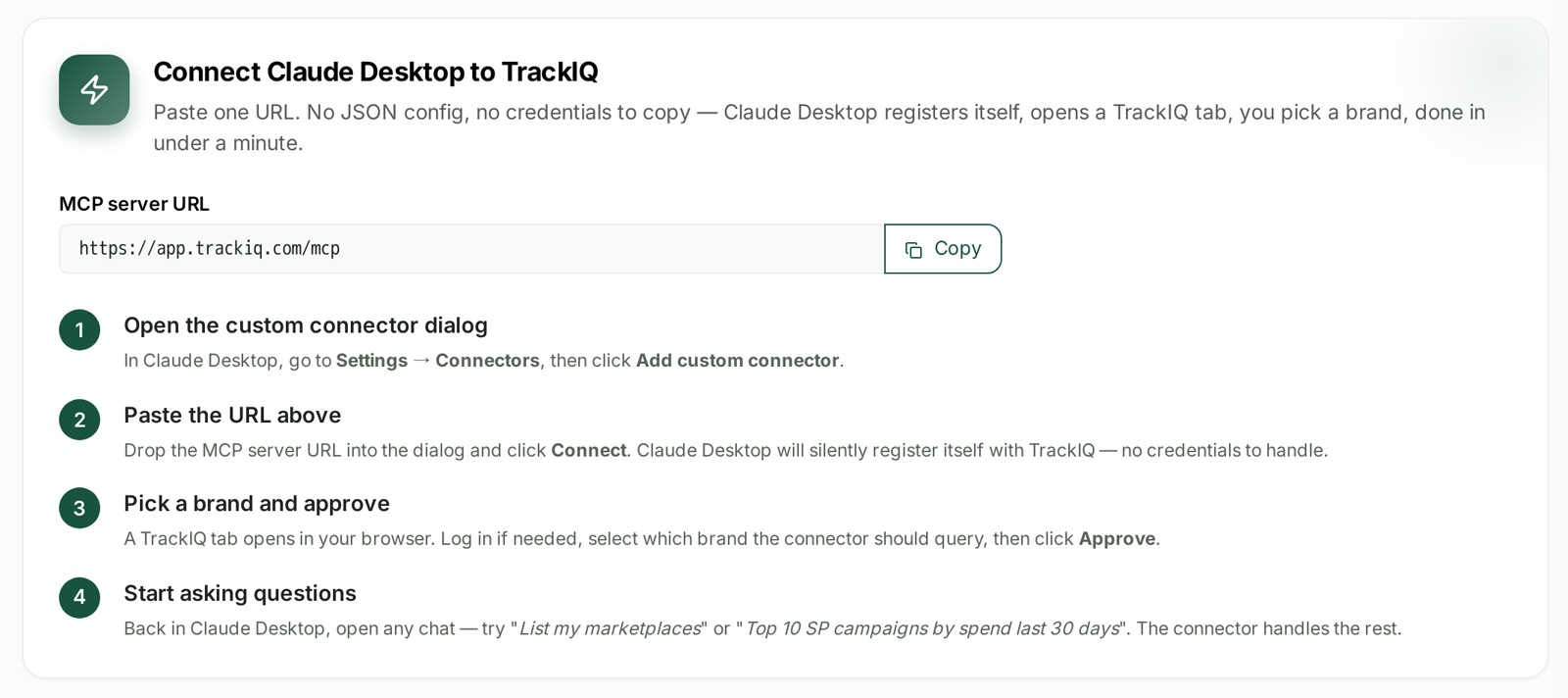
Start here
| Tool | What it does |
|---|---|
list_marketplaces |
lists your connected marketplaces and whether each is a Seller, Vendor or KDP account |
set_context |
records the question being asked, so the call is grouped in your Call Logs |
list_marketplaces is the first call in almost every conversation, because everything else needs to know which marketplace you mean. It is also why the account type matters: sellers identify products by SKU, vendors by ASIN, and the same question takes a different shape on each.
Sales, products and stock
| Tool | Grain | Notes |
|---|---|---|
get_account_overview |
per day, or one rollup | sales_trend for a chart; advertising_summary for ACoS, TACoS and ROAS in one row |
get_product_performance |
per product, or per day | the traffic funnel: sessions → orders → units → revenue |
get_product_categories_performance |
per category | how your categories compare |
get_inventory_snapshot |
point in time | on hand, inbound, reserved, unfulfillable; not a time series |
get_bsr |
per product | Best Seller Rank |
show_products |
— | renders product cards or a table with images |
show_products is the only tool that exists purely for presentation, and assistants are told not to call it unless you actually ask to see pictures — so if you want thumbnails, say so.
Sponsored Ads
| Tool | Grain |
|---|---|
get_campaigns |
per campaign, or per day |
get_campaign_groups |
per campaign group |
get_portfolios |
per portfolio |
get_ad_groups |
per ad group |
get_targets |
per keyword or product target |
get_product_ads |
per advertised ASIN |
get_search_terms |
per customer search term |
Two behaviours are worth knowing because they change the answer.
Only enabled entities are counted by default. Ask “how many campaigns do I have?” and you get the active ones. If you want everything, say “including paused and archived”.
One call covers all three ad types. get_campaigns ranks Sponsored Products, Brands and Display together in a single combined list, tagging each row with its type — so “my top 10 campaigns” genuinely means top 10 across the account, not top 10 of one channel.
Amazon DSP
get_dsp_performance is one tool with seven lenses. The metric set is identical each time; only what a row represents changes.
| Lens | One row per |
|---|---|
campaign |
DSP campaign |
ad_group |
DSP ad group |
creative |
creative asset |
audience |
target and segment |
geography |
country |
technology |
device |
inventory |
supply source |
DSP uses ACTIVE / INACTIVE, not enabled/paused, and defaults to ACTIVE. Every lens reports on a 14-day attribution window and includes the display-specific columns — detail page views, add-to-cart and new-to-brand purchases. See DSP Metrics Explained.
AMC Cloud
| Tool | Answers |
|---|---|
get_amc_ntb_asins |
which products bring in new customers |
get_amc_ntb_purchases |
which campaigns bring in new customers |
get_amc_time_to_conversion |
how long people take to buy after seeing an ad |
get_amc_attribution_paths |
which sequences of ads actually convert |
All four are monthly, and each month is a separate cohort of people. They are compared, never added.
Search and rank
| Tool | Grain |
|---|---|
get_search_query_performance |
per query, per week |
get_search_query_cart_analysis |
per query — why it does not convert |
get_keyword_rank |
per keyword, per product, per day |
get_search_query_performance has a by_product switch that changes the question entirely: off, it answers “how does the market behave on this query?”; on, it answers “which of my products owns which search?”
Vendor accounts
| Tool | Answers |
|---|---|
get_vendor_product_sales |
shipped and ordered revenue |
get_vendor_inventory_health |
sellable, unsellable, aged inventory |
get_vendor_forecasting |
Amazon's demand forecast, with p70 / p80 / p90 bands |
These return nothing on a Seller account, and the sales tools above return nothing on a Vendor account. That is the account type doing its job, not a fault.
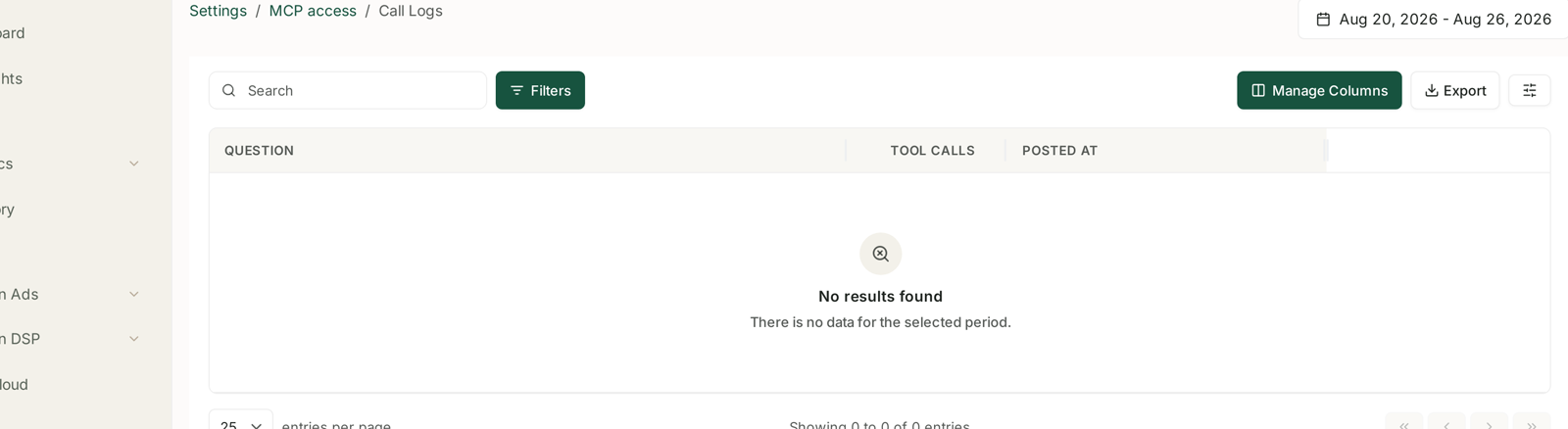
Call Logs is the quickest way to see which tools an assistant actually reached for — the TOOL CALLS column counts them per question.
The grain of each tool
This is the single most useful thing to internalise, because it explains almost every “why can it not just tell me X” moment.
| Grain | Which data | Consequence |
|---|---|---|
| Daily | sales, ads, rank | daily breakdowns are capped at the last 30 days |
| Weekly | Search Query Performance | pinned to one week; never blended across weeks |
| Monthly | everything AMC | each month is its own cohort |
| Point in time | inventory | there is no “stock last Tuesday” |
So “show me daily spend for the last quarter” comes back as the last 30 days with a note. That is the cap, not a bug — ask for a total or a weekly roll-up instead.
Six traps
Worth knowing, because a wrong answer here looks entirely plausible.
Ranks are positions, so lower is better. “Improve rank” means the number goes down.
A blank rank is not rank zero. It means the product was not found within the depth that was checked — different from ranking badly, and very different from zero.
Combining ad types blends attribution windows. SP is credited over 7 days, SB and SD over 14. A combined ranking is right for comparing size, wrong for comparing efficiency.
SQP shares do not add across weeks. 20% one week and 20% the next is not 40%. See SQP Is Weekly.
Vendor revenue is the manufacturing view. Sourcing is a second lens on the same business, never added on top.
Summed forecast percentiles are a planning heuristic. A single day's p80 means what it says; ten days of p80 added together does not, because percentiles are not additive. Ask for the mean when you need an exact figure.
Not every tool is on every plan
Some are gated by tier — advertising tools need the Advertising tier or above, and AMC needs a plan that includes AMC. An assistant told a tool is unavailable will say so rather than guess.
See MCP Tiers: What Each Plan Unlocks.
Related
- Feed TrackIQ Data into Your Own AI Workflow — what to actually do with them.
- MCP Call Logs: Seeing What Your AI Tools Asked — seeing which tools got used.