

The weekly inventory review is a short job with one purpose: find the ASINs whose runway has changed before that change becomes a stockout.
It takes minutes when the data is in front of you, and it is the single highest-return recurring task in the business.
Prefer to watch? One hundred and five seconds on why runway is a ratio rather than a number, the four figures worth reading, and the failure mode that is not looking at all.
Think in days, not units
Units in stock is not a useful number on its own. Days of inventory is, because it answers the only question that matters: how long until this runs out at the rate it is currently selling?
Days of inventory = units available ÷ current daily sales velocity
A product with 4,000 units looks healthy until you notice it sells 200 a day and the next shipment lands in 35 days.
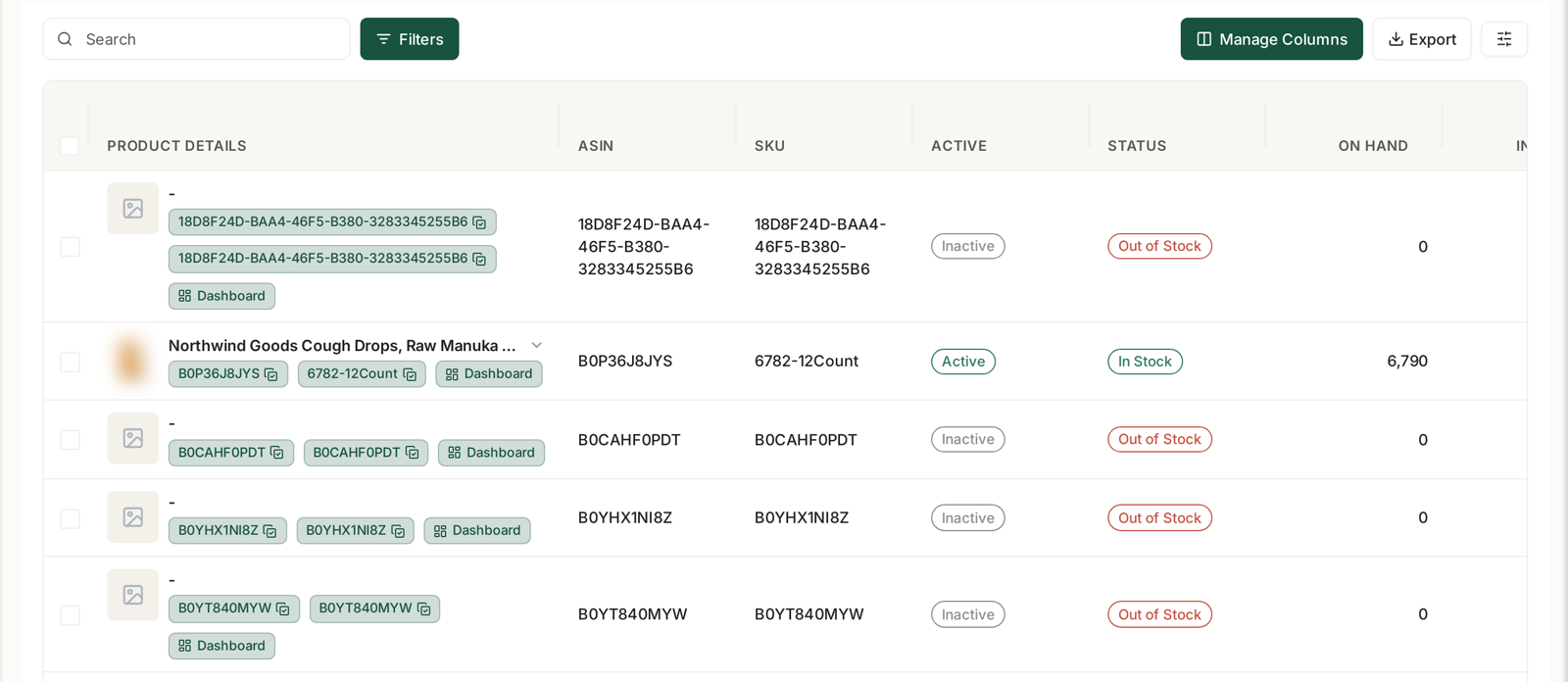
What to look at
Per child ASIN, four numbers:
Available units — sellable right now.
Reserved units — committed to orders or in transfer, and not available to sell. Counting these as stock is a common way to be surprised.
Inbound units — on their way to Amazon, with a date attached. Units without a credible arrival date are not cover.
Sales velocity — recent average daily units. Recent matters; a 90-day average hides a product that has doubled in the last fortnight.
Then the derived views: days of inventory at Amazon, days including your warehouse or 3PL, and days across the whole pipeline. They answer different questions — the first is when you stop selling, the last is whether you have a supply problem or a logistics problem.
Watch the velocity, not just the level
This is the part that gets missed. The stock number can be unchanged week to week while your runway collapses, because runway is a ratio.
Selling faster than planned — planned for 50 a day, now doing 75 — and your cover has dropped by a third with no change to the stock figure. Good news that becomes a stockout if nobody notices.
Selling slower than planned — planned 50, doing 30 — and you are now carrying more stock than the product justifies. That is cash sitting still, plus storage fees, plus long-term storage surcharges if it drags.
So compare this week's velocity to last week's, and to what you assumed when you ordered. A change of 30% or more in either direction needs a decision.
The weekly routine
Do it at a fixed point in the week, alongside your other numbers rather than as a separate task. It only works if it is habitual.
1. Sort by days of inventory, ascending. The problems are at the top.
2. For anything under your lead time plus a buffer, act. If replenishment takes 45 days and an ASIN has 40 days of cover, that is already a stockout unless something changes.
3. Check velocity changes across the catalogue. Look for anything that moved sharply, in either direction.
4. Flag your top sellers separately regardless. They deserve a look even when the numbers look fine, because the cost of being wrong is much higher.
5. Note anything that came back into stock, and push it back to normal sales deliberately — recovery is not automatic.
Acting on what you find
Heading for a stockout, with time to fix it — expedite the next shipment, move units from your warehouse or 3PL, or place an emergency order.
Heading for a stockout with no time — slow sales down deliberately and take more margin per unit while it lasts. See When You Are Going Out of Stock.
Overstocked — the levers are the reverse: promotions, coupons, deals, and more advertising spend. An overstocked product is a candidate for the advertising budget you were about to spend elsewhere.
Velocity up sharply — revise the forecast now, not at the next planning cycle. The purchase order you are about to place was sized on the old number.
Making it harder to skip
The honest failure mode is not misreading the data, it is not looking during a busy week.
Set alerts on the products that matter — low days-of-cover on your top sellers, and sharp velocity changes anywhere. That turns the weekly review from the only line of defence into a second one. See Setting Up Smart Alerts and Alert Categories Explained.
And keep it in one place. The reason this task gets skipped is usually that assembling the view takes longer than reading it. See How to Monitor Your Stock Levels.
Common mistakes
Counting reserved units as available.
Counting inbound units with no confirmed arrival date.
Using a long velocity average that hides a recent change.
Reviewing monthly on products whose lead time is measured in weeks.
Treating overstock as harmless. It is slower-moving money and a growing storage bill.
Related
- Why Inventory Is the Second Pillar — why this outranks other optimisation work.
- Inventory Forecasting and Purchase Orders — the planning half.
- Catch a Stockout Early — the same check on the TrackIQ screen.