

"Is our branded ACoS good?" is a question you cannot answer until something has decided which queries count as branded. In TrackIQ, you decide — and the same setting quietly governs several screens at once.
Prefer to watch? Eighty-two seconds on the three buckets, and the one word that ruins the split.
Where it lives
On the SQP dashboard, the Brand & competitor terms control opens the editor.
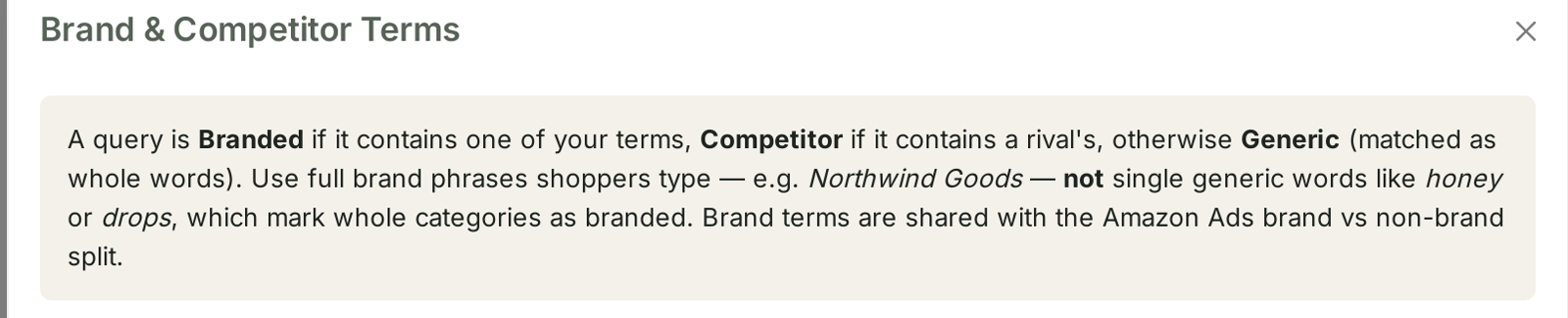
A query is Branded if it contains one of your terms, Competitor if it contains a rival's, otherwise Generic (matched as whole words).
Three buckets, one rule, applied to every query the dashboard loads.
The three buckets
| Bucket | Means | Reading |
|---|---|---|
| Branded | contains one of your brand terms | people looking for you |
| Competitor | contains a rival's brand term | people looking for them |
| Generic | neither | people looking for the thing |
They behave completely differently, which is the entire reason for splitting them:
Branded queries convert well and prove nothing. A high branded conversion rate is not a compliment to your listing; the shopper had already decided. Branded ACoS is normally excellent, and averaging it in with everything else flatters your account.
Generic queries are where growth lives. Somebody typing the category is choosing between you and everyone else, and that is the fight worth measuring.
Competitor queries are the expensive ones. You are interrupting somebody who wants a different brand. Sometimes worth it, always dear.
Setting your own terms
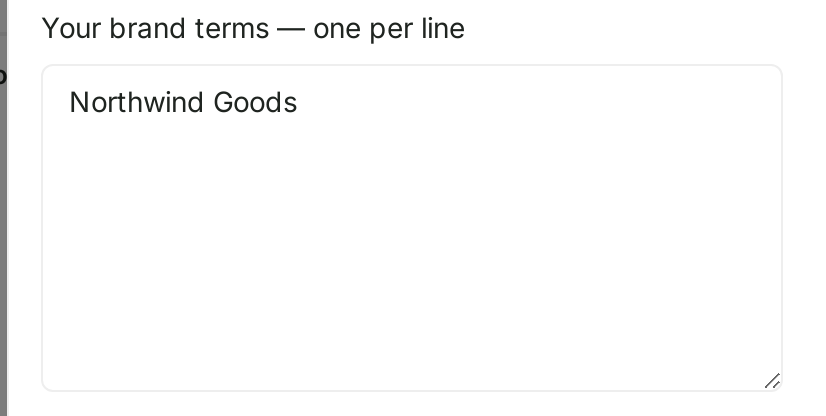
One term per line, in each of two boxes — yours and your rivals'. And the instruction in the panel is the one thing to get right:
Use full brand phrases shoppers type — not single generic words like honey or drops, which mark whole categories as branded.
This is the mistake that ruins the whole split. If your brand is Northwind Goods and you add goods as a term, every query containing that word becomes branded — and your generic bucket, the one that measures whether you can win new customers, empties into it.
Add full phrases. The brand as people type it, plus the misspellings you actually see.
Add sub-brands and line names, if shoppers search them by name.
Do not add category words, however strongly you associate them with yourself.
For competitors, add the rival brand names that turn up in your search terms. You will find them in Search Terms and Aggregated Search Terms.
Check the split before you save

The panel classifies your loaded queries as you type:
With these terms, your 301 loaded queries classify as 15 Branded (5%) · 11 Competitor · 275 Generic.
Use it as a sanity check, because the failure modes are visible immediately:
| Split looks like | Probably means |
|---|---|
| Branded share far above expectation | a generic word is in your term list |
| Branded near zero on a known brand | the phrase does not match how people type it |
| Competitor zero | you have not added any rivals yet |
A branded share in the low single digits is normal for a category-led business. A well-known brand will sit far higher. What matters is that the number matches what you would have guessed.
The two consequences people miss
It changes your Amazon Ads reporting too. The panel says so:
Brand terms are shared with the Amazon Ads brand vs non-brand split.
One list, two places. Edit it here and your advertising screens reclassify as well. That is convenient and it means a careless edit has a wider blast radius than the screen suggests.
It changes which queries get recommended actions. Competitor-brand queries are deliberately excluded from the Fix listing, Fix conversion and Add-keyword recommendations, for a sound reason the panel states plainly:
A better page can't win a shopper who wants their brand.
So classifying a query as competitor does not just label it — it removes it from the action queue. A rival's name missing from your competitor list means TrackIQ will keep recommending you improve a page that was never going to win that search. See Recommended Actions: The Queries That Need a Decision.
How to use the split
Read metrics per bucket, never blended. Set separate ACoS expectations for branded, generic and competitor. One target across all three is meaningless.
Track generic share over time. Growing generic volume is growing reach. Growing branded volume is your existing customers coming back — good, but not the same thing.
Judge campaigns by which bucket they serve. A campaign living on branded terms should be cheap and efficient. One fighting for generic terms should not be held to the same standard.
Revisit after a launch or rebrand. New line names become new brand terms, and until they are in the list they count as generic.
What not to conclude
This is your classification, not Amazon's. Two accounts can label the same query differently. It is not a standard.
Whole-word matching is literal. A misspelling shoppers actually type will not match unless you add it.
A high branded share is not automatically good. It can mean strong brand demand, or it can mean you have stopped competing for the category.
Related
- Recommended Actions: The Queries That Need a Decision — what the competitor exclusion changes.
- Search Terms and Aggregated Search Terms — where to find rival names to add.
- Brand Keywords: Proving Upper-Funnel Spend Works — the AMC view built on the same list.
- Understanding Search Query Performance — the dashboard this control sits on.