

Sponsored Brands Video is a Sponsored Brands campaign with a video creative instead of a banner. It is not a separate ad type, which matters: it lives in the same campaign manager, uses the same targeting, and reports as Sponsored Brands.
It is also, for many sellers, the best-performing format they run — an autoplaying video in the middle of search results is hard to scroll past.
Prefer to watch? One hundred and thirteen seconds on why it is a format rather than an ad type, what a silent autoplaying ad has to do in two seconds, and the metric that moves first.
Creating the campaign
Amazon Ads console → Campaign manager → Create campaign → Sponsored Brands.
1. Goal: drive page visits. Cost per click, measurable. As with any Sponsored Brands campaign, avoid the two impression-share goals — they buy placement rather than response.
2. Name, dates, budget. No end date unless it genuinely ends.
3. Amazon or Amazon Business. Amazon unless you are deliberately targeting B2B.
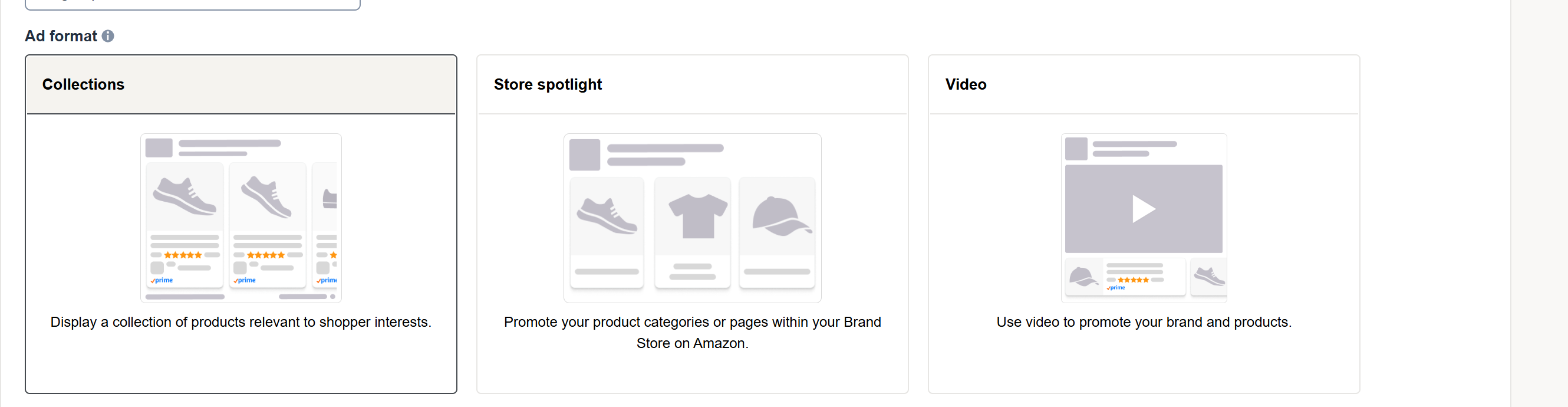
4. Choose the video format and upload your creative.
5. Destination. The video can land on the product detail page or your storefront. Send it to the product page. Someone who watched a video about one product should arrive at that product, not a directory.
6. Bidding. Turn off Amazon's optimisation, set your own bids, add placement adjustments only once you have data.
7. Targeting. Keyword (exact, phrase, broad) or product (ASIN, category). Start with exact, same as any Sponsored Brands campaign.
8. Upload the video to Amazon's stated specification for length, dimensions and file size, then submit for review. Video creative goes through moderation, so it will not be live immediately.
What makes the creative work
The mechanics are easy; the video is the whole campaign.
It autoplays silently. If it needs sound to make sense, it does not make sense. Caption anything essential.
The first two seconds decide it. Lead with the product doing the thing it does. A logo animation spends your most valuable moment on nothing.
Show use, not features. Video's advantage over a static banner is demonstration. If your video is a slideshow of stills, you have bought a video slot to run a banner.
Keep it short. Attention is gone long before a long video ends.
Judging it in TrackIQ
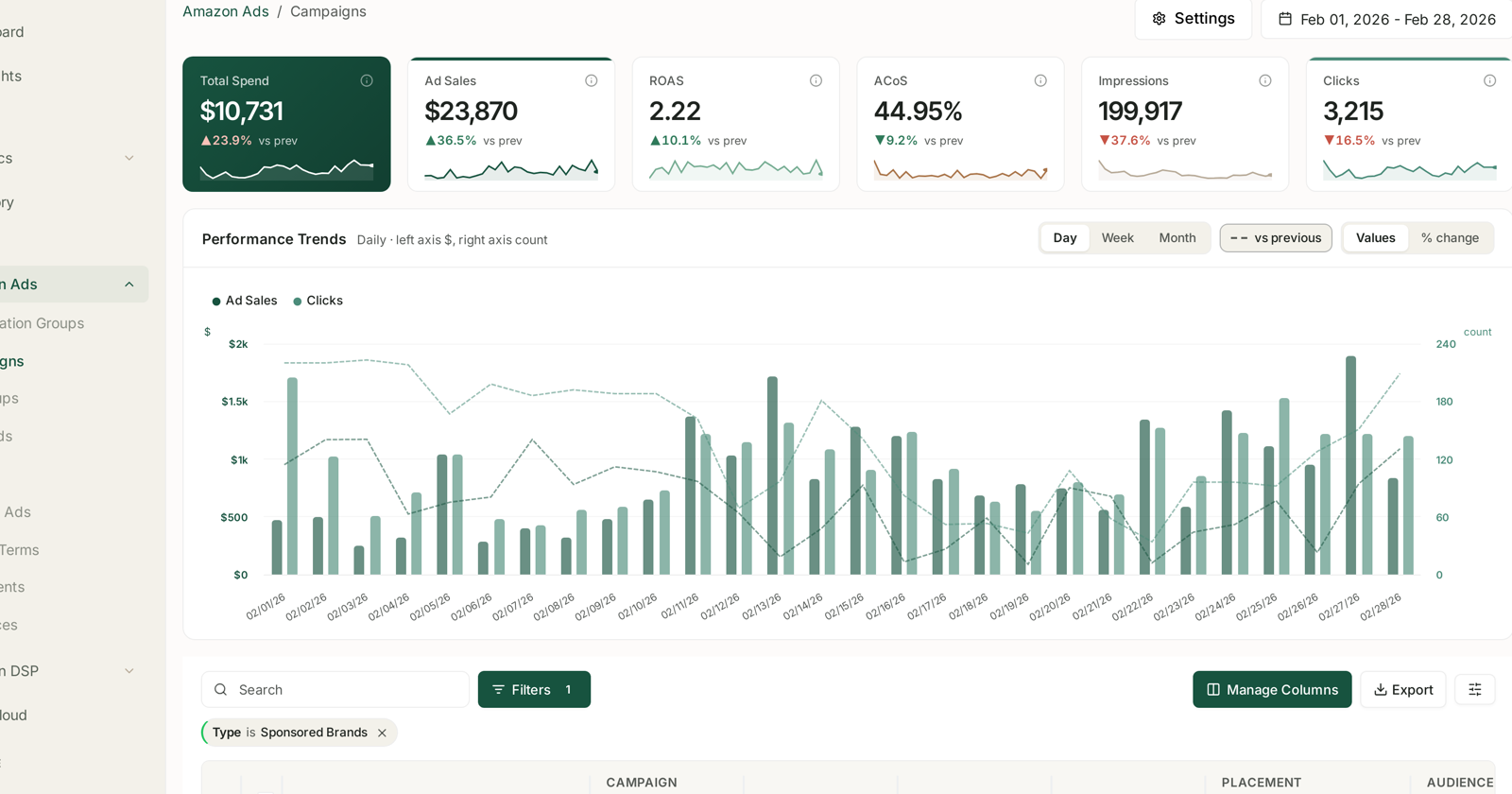
SBV reports as Sponsored Brands in Amazon Ads → Campaigns, so name it clearly at creation — something with SBV in it — or you will not be able to separate video from banner performance later.
Compare video against your banner Sponsored Brands campaigns, not against Sponsored Products. Same ad type, same attribution window, same job. That is the comparison that answers whether the video was worth producing.
Attribution is 14 days. Recent days understate.
Watch CTR first. It is the fastest signal on whether the creative is working, and it moves long before ACoS becomes readable. A video with weak CTR is a creative problem, and no bid change will fix it.
The upper-funnel measure
Video reaches people earlier than a search ad, so last-click ACoS under-credits it in the same way it under-credits Sponsored Brands generally.
Did it bring new customers? NTB Customers: New vs Repeat, Counted as People.
Did branded search rise after it ran? Brand Keywords: Proving Upper-Funnel Spend Works.
Common mistakes
A video that needs sound. It autoplays muted.
Opening on a logo. The two seconds that mattered, spent on branding nobody is looking for yet.
Sending traffic to the storefront after a single-product video.
Not naming it distinctly, then being unable to tell video from banner in reporting.
Judging it against Sponsored Products. Different job, different window, different funnel position.
Related
- Create a Sponsored Brands Campaign — the banner version, and the shared settings.
- Amazon PPC: Core Terms and Metrics — the vocabulary.
- Why Sponsored Products, Brands and Display Numbers Do Not Simply Add Up — before you total anything.
- Amazon's AI Video Generator — producing the creative these campaigns need.