

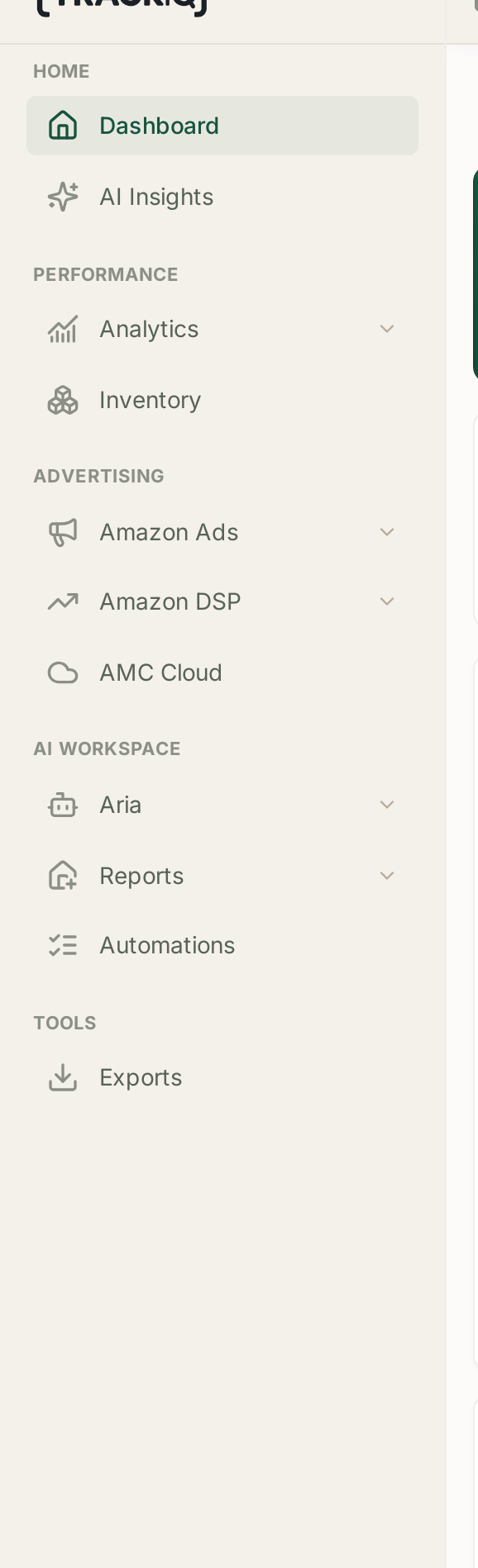
If a colleague is describing a screen you cannot find, the sidebar is almost certainly showing you a smaller menu than it shows them. There are two reasons for this, and they are easy to tell apart.
Prefer to watch? Fifty-five seconds on telling a role problem from a plan problem.
1. Your role does not include it
Access in TrackIQ is set per user, and the sidebar reflects it. A section you do not have access to is not shown at all — it is not greyed out, and there is no locked padlock to click.
This is worth knowing because a hidden section looks exactly like a section that does not exist. Whole areas of the product — Aria, Automations, Rank Tracker, Search Query Performance — can be absent from your sidebar while being perfectly present in the account.
How to check: ask a colleague who can see the section to compare sidebars with you, or ask an administrator on the account to review your access.
After it is changed: reload the page. The sidebar is built when the app loads, so a permission granted while you have the tab open will not appear until you refresh.
2. Your plan does not include it
Some features are tied to the plan the account is on rather than to your user. Search Query Performance, Amazon DSP, AMC Cloud and Category Insights are available from PRO upward. Role-based AI agents are PRO+.
If nobody on the account can see the section, this is the likely explanation rather than permissions. See TrackIQ Plans Explained for what each tier includes.
Telling the two apart quickly
| Symptom | Likely cause |
|---|---|
| A colleague can see it, you cannot | your role |
| Nobody on the account can see it | your plan |
| You could see it yesterday and cannot today | your role changed, or the account's plan did |
A related case: the section is there but empty
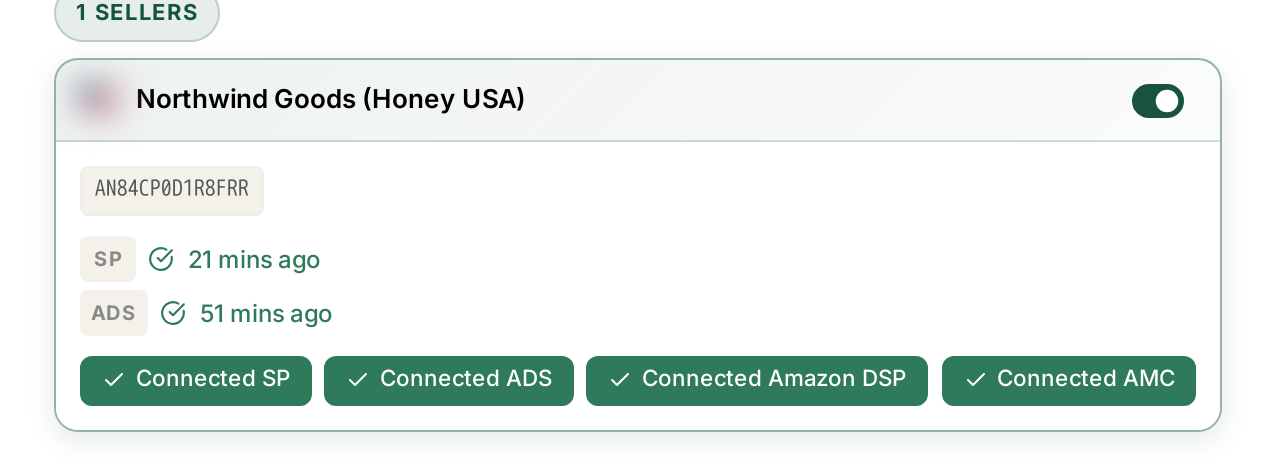
That is a different problem. An empty screen usually means the data source behind it is not connected — AMC dashboards need an AMC instance, DSP screens need a DSP account. Check Settings → Connections, and see My Dashboard Is Empty.
Related
- What's Included in Each Plan — plan gating, the usual cause.
- Getting Help from the TrackIQ Team — if it is neither plan nor role.